13
TROUBLESHOOTING
Q: How to reset the K02?
A: Long press the button on the Interior Knob until you hear the buzzer.
A: Please select "restore factory setting" or "Delete device"by GeekSmart APP.
Q: Dose K02 work with third-party accessories such as single latch?
A: It is recommended to use the original accessories for best performance
and stability.
Q: What notification will I receive when the battery is low?
A: After the fingerprint and mobile APP are successfully unlocked (the buzzer
beeps once, the fingerprint reader flashes green and then flashes red).
When you unlock the device through the mobile App, you will recive a push
notification message with low battery warning.
Q: How can I unlock K02 if battery runs out?
A: Connect a power bank to the knob with type-C cable as to activate for
emergency access.
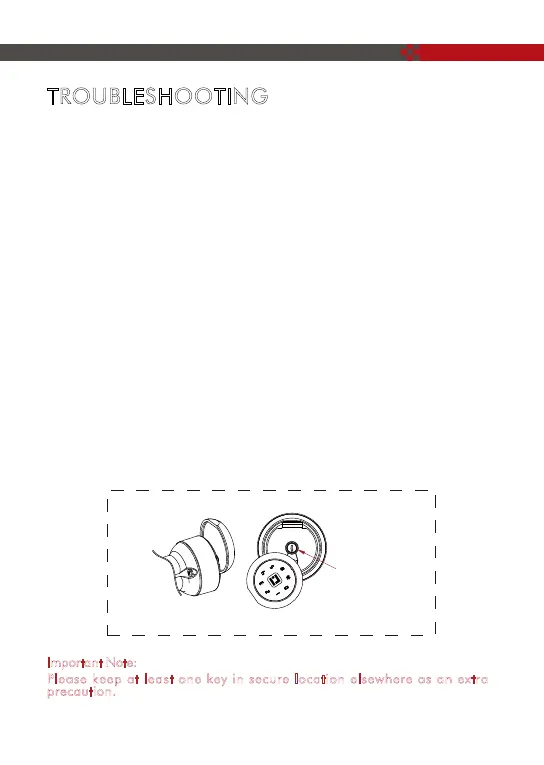
A: Press the screw in the back of the Interior knob, the fingerprint reader
cover will come out for you to easily pull and turn. Pull out the fingerprint
reader cover, turn the key 90° to unlock, then turn the exterior knob to
unlock the door.
I
mportant Note:
Please keep at least one key in secure location elsewhere as an extra
precaution.
☛
Mechanical key hole



 To Next Page