16
Menu Navigation
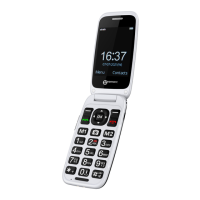
The MENU soft key or central square key is used to
activate the menu. The BACK soft key is used to go
back a level in the menu system. Press to
deactivate the menu and return to standby mode from
any menu.
The ▼and▲ keys are used to scroll through the menu.
▲ move backward through the menu
▼ move forward through the menu
Sometimes < and > are used to navigate through sub
menus.
The OK soft key key is used to confirm/ select an action
or choice on a screen.
The central square key is used to go to Menu or to
confirm/ select an action or choice on a screen.


 To Next Page