98
STEP 3.
Login to the App.
5 Connect to App.
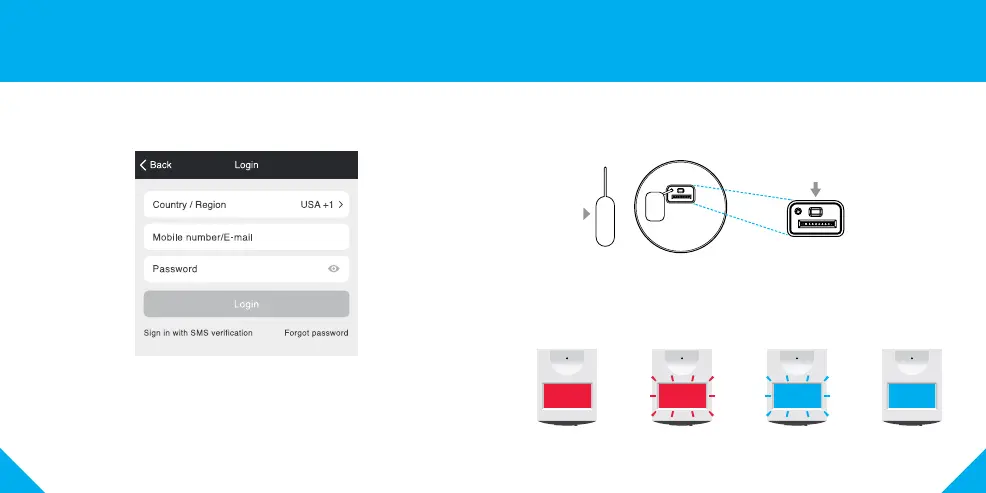
How do I reset my device?
A reset button is located under the cover on the bottom of your floodlight.
Reset the camera by removing the cover and holding down the button for
several seconds.
Note: The camera will appear inactive while booting up—allow two minutes
for the light to activate.
What does the blinking sensor light mean?
4 Login to the Geeni App.
Solid Red
Starting up
Blinking Red
Ready to connect
Blinking Blue
Connecting
Solid Blue
Connected
Reset Pin
Reset Button
(Close Up View)
(Bottom View)


 To Next Page