EasyManua.ls Logo

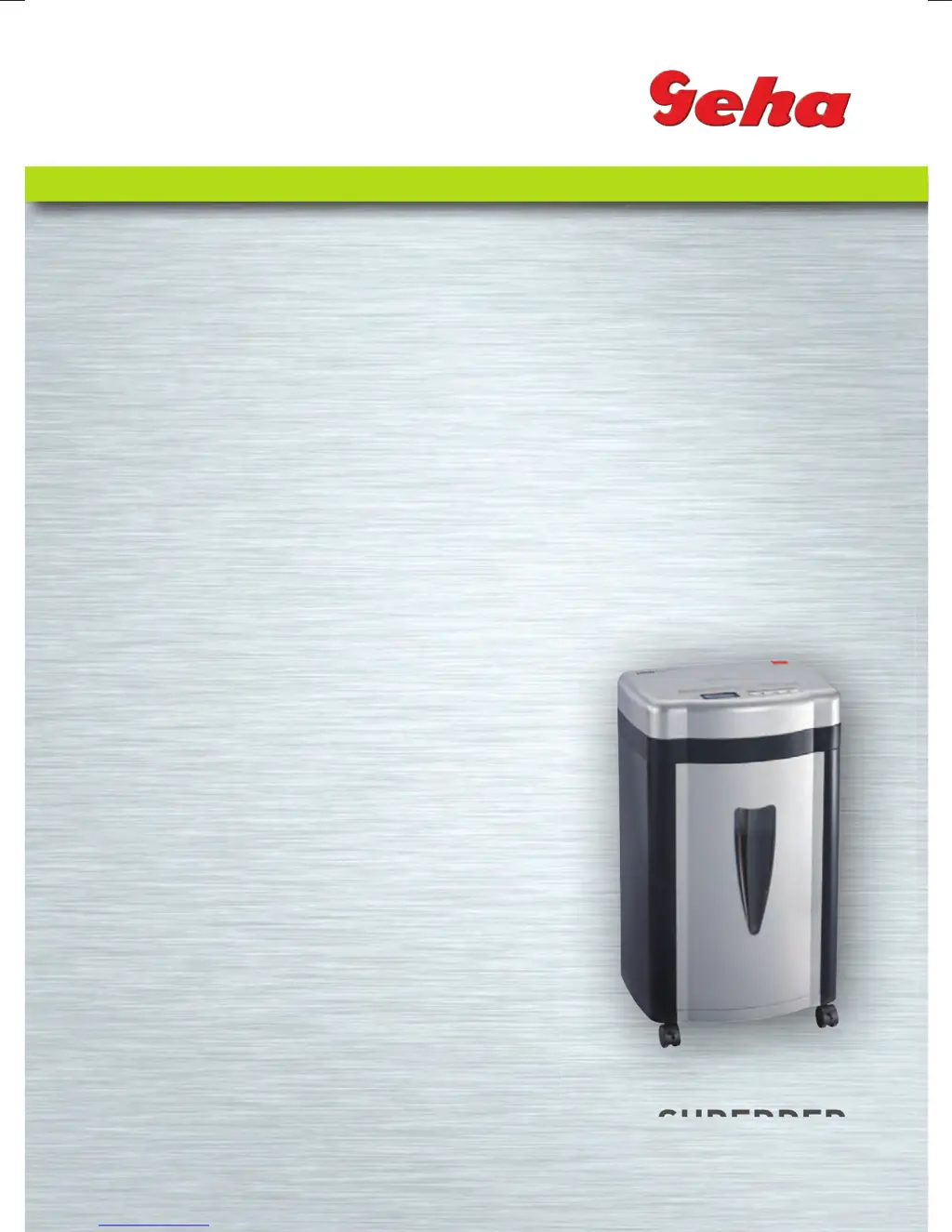
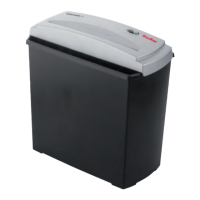
GEHA OFFICE X12 CD - User Manual

GEHA OFFICE X12 CD
92 pages
Go to English
Print Icon
To Next Page IconTo Next Page
Loading...
Anleitung
Manual
SHREDDER
Office X12 CD
SHREDDER
Manual_Office_X12CDindd.indd 1 15.07.10 15:39

Questions and Answers

  • R
    Regina RichardsonAug 10, 2025
    What to do if my GEHA OFFICE X12 CD Paper Shredder won't start after feeding paper?
    • M
      meganmartinAug 11, 2025
      If your GEHA Paper Shredder won't start after feeding paper, it could be due to a few reasons. First, ensure the mains power plug is correctly and firmly inserted into the wall socket. Second, the paper might be too thin; try folding it over before feeding it in again. Lastly, a paper jam could be the culprit; activate the ‘REV‘ function to remove any jammed paper.
  • K
    Karen JuarezAug 20, 2025
    What to do if my GEHA OFFICE X12 CD Paper Shredder does not switch off automatically?
    • J
      Joshua EdwardsAug 21, 2025
      If your GEHA Paper Shredder doesn't automatically switch off after shredding paper, the in-feed sensor might be covered with dust or paper. Wipe off any dust or remove any paper that might be obstructing the sensor.
  • M
    Marvin MartinezAug 30, 2025
    How to reduce noise from a GEHA OFFICE X12 CD?
    • K
      Kristina JacksonAug 31, 2025
      If your GEHA Paper Shredder is very loud, it might not be standing on a hard, level surface. Try repositioning it to a more stable location.

GEHA OFFICE X12 CD Specifications

General IconGeneral
BrandGEHA
ModelOFFICE X12 CD
CategoryPaper Shredder
LanguageEnglish

Related product manuals