EasyManua.ls Logo

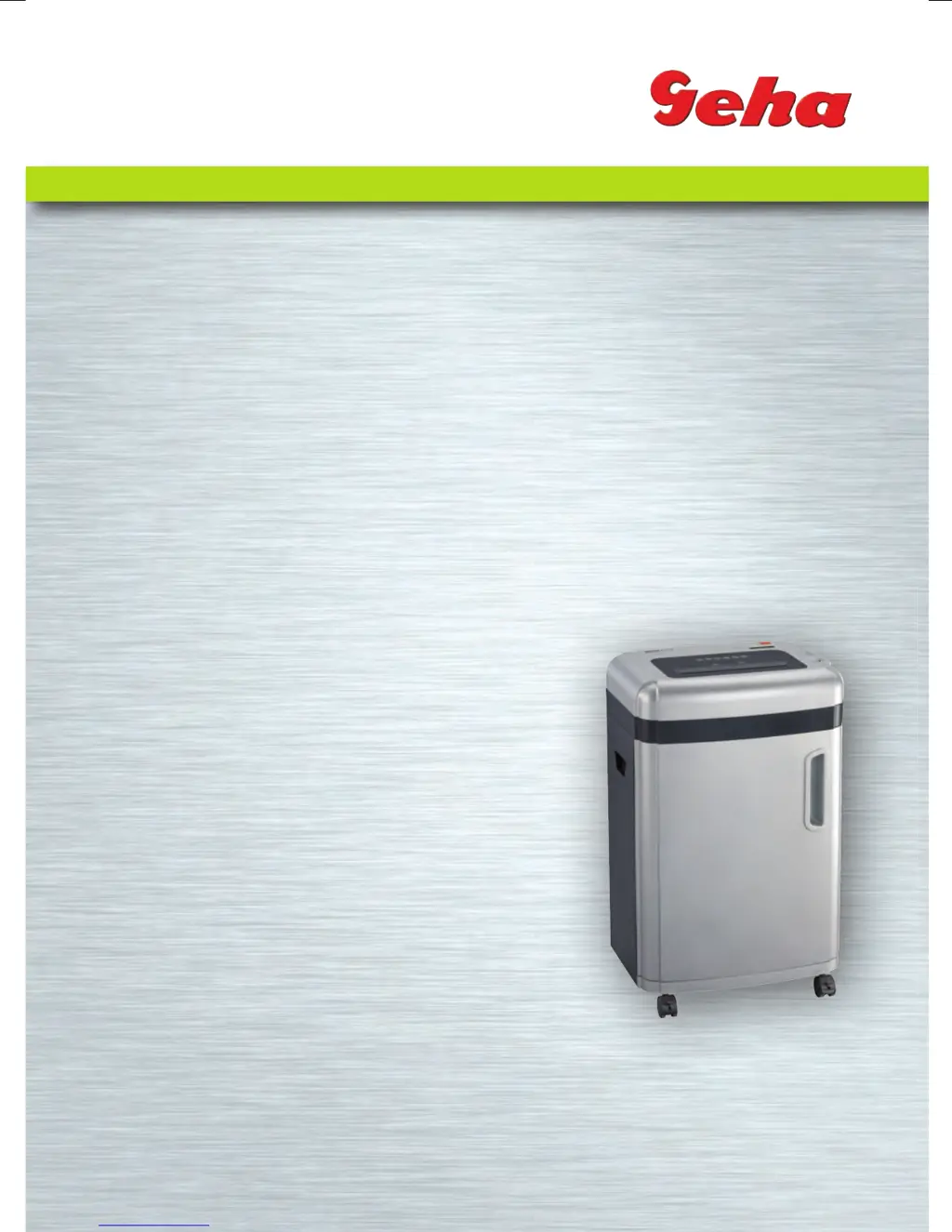
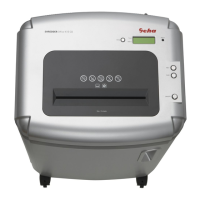
GEHA OFFICE X15 CD - User Manual

GEHA OFFICE X15 CD
92 pages
Go to English
Print Icon
To Next Page IconTo Next Page
Loading...
Anleitung
Manual
SHREDDER
Office X15 CD
Manual_X15CD_Office.indd 1 15.07.10 15:39

Questions and Answers

  • J
    Juan PierceAug 8, 2025
    What to do if my GEHA OFFICE X15 CD won't start after feeding paper?
    • B
      Brian SanchezAug 9, 2025
      If your GEHA Paper Shredder won't start after feeding paper, it could be due to a few reasons. First, ensure the mains power plug is correctly and firmly inserted into the wall socket. Second, the paper might be too thin; try folding it over before feeding it in again. Lastly, a paper jam could be the culprit; activate the ‘REV‘ function to remove any jammed paper.
  • S
    Shari FletcherAug 23, 2025
    What to do if my GEHA Paper Shredder does not switch off automatically?
    • J
      justin53Aug 25, 2025
      If your GEHA Paper Shredder doesn't automatically switch off after shredding paper, the in-feed sensor might be covered with dust or paper. Wipe off any dust or remove any paper that might be obstructing the sensor.

GEHA OFFICE X15 CD Specifications

General IconGeneral
BrandGEHA
ModelOFFICE X15 CD
CategoryPaper Shredder
LanguageEnglish

Related product manuals