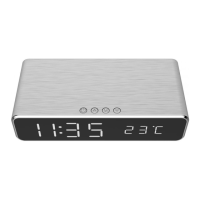
DAC-WPC-01 DIGITAL ALARM CLOCK
WITH WIRELESS CHARGING FUNCTION
GEMBIRD EUROPE B.V. http://www.gembird.eu
All brands and logos are registered trademarks of their respective owners
POWER
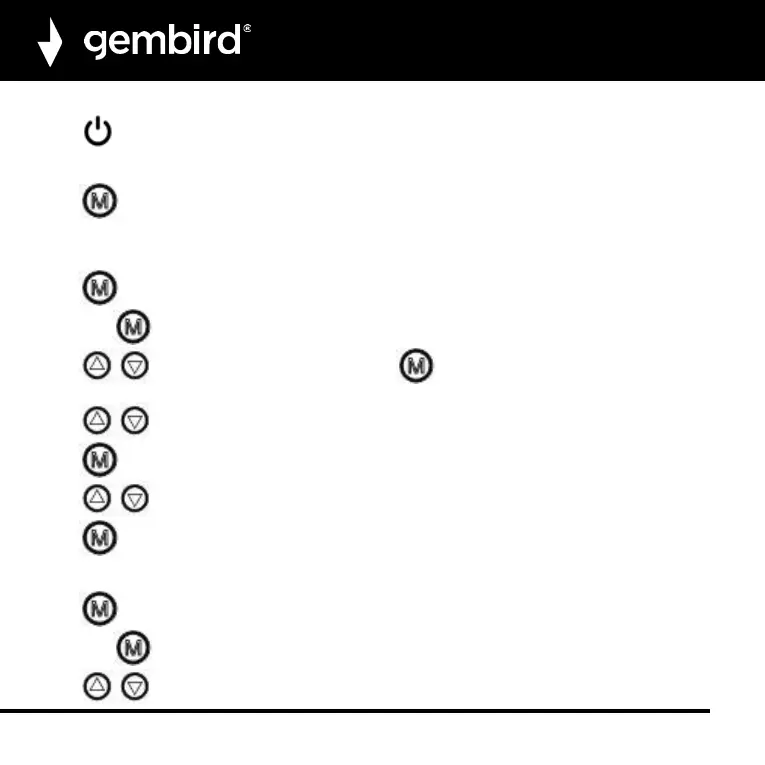
Press to power on. The LED display will show Time and Temperature.
DISPLAY
Press to switch between different display modes (time/date/alarm1/2/3).
SET TIME
Press until the display shows the time.
Long press until the time is blinking. The display panel will shows 12H mode or 24H mode.
Press to select 12H or 24H mode and press to confirm the mode (if 12H mode is selected,
then “PM/AM” will light up at the left corner of display).
Press to adjust the Hour first.
Press to confirm the Hour and minutes will blink.
Press to adjust the minutes.
Press to confirm the minutes.
SETDATE
Press until the display shows the date.
Long press until the year is blinking.
Press to change the year.


 To Next Page