DAC-WPC-01 DIGITAL ALARM CLOCK
WITH WIRELESS CHARGING FUNCTION
GEMBIRD EUROPE B.V. http://www.gembird.eu
All brands and logos are registered trademarks of their respective owners
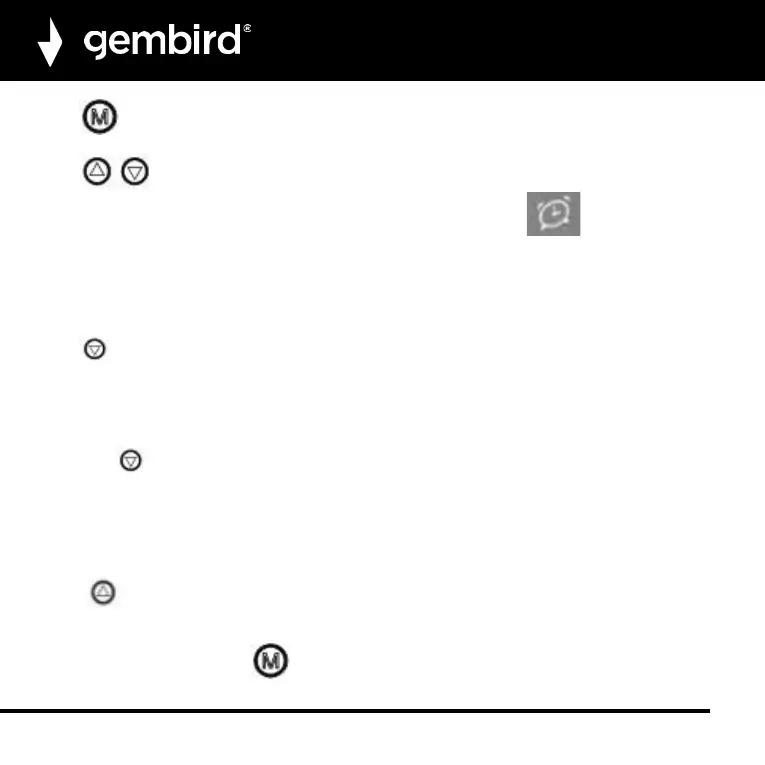
Press until the display shows “--A1”,“--A2” or“--A3”.
“--A1” means alarm 1is disabled. ”0NA1”means alarm 1 is enabled.
Press to enable or disable the selected alarm (1, 2, or 3).
When one of the alarm times is enables, the display will show the alarm icon in the lower left corner
of display.
On the set alarm time(s), the alarm buzzer will start beeping and the alarm will be blinking. Press any button
to stop the sound. If no button is pressed, the sound will stop after 60 seconds.
TEMPERATURE
Press for 2 seconds to switch between Fahrenheit / Celsius.
POWER-SAVING
When power-saving is enabled, the clock display will automatically turn off after 30 seconds. Press any button
to turn it on again.
Short press to turn on/off the power-saving (“ONSd” means the power saving mode is turned on and “—
Sd” means it is turned off).
DISPLAY SETTINGS
The display has 3 settings. Depending on the selected setting, the display will show either the time, the date
or alternate between date and time.
Press button to select DP--1/DP--2/DP—3.
DP-1: Display will alternate between time and date automatically every 4 seconds.
DP-2: User can fix to show date or time.
DP-3: Display shows time. Press to show date for 4 seconds.


 To Next Page