EasyManua.ls Logo

Gemilai CRM3200D - Page 5

Gemilai CRM3200D
8 pages
Print Icon
To Next Page IconTo Next Page
To Previous Page IconTo Previous Page
Loading...
*TROUBLE SHOOTING
Problem
Cause/Result
Solution
No water comes
out
Water tank is empty
Pour water into water tank
The input voltage or
frequency is inconsistent
with nameplate
Make sure the voltage and
frequency is consistent with
the nameplate
Machine malfunctions
Please contact with the
authorized service
No steam comes
out
Steam nozzle is clogged
Clean steam nozzle
Water tank is empty
Pour water in water tank
Machine malfunctions
Please contact with the
authorized service
Coffee overflow
from the edge of
funnel seal
Too much coffee powder in
filter
Clean the filter, then pour
appropriate coffee powder
Coffee powder remained in
the seal under group head
Clean the seal under group
head
Implementation of the above
operation problems still exist
Please contact with the
authorized service
Coffee comes out
too slow or no
coffee comes out
coffee powder is too fine,
and clogged filter
Use thicker coffee powder
Filter holes are blocked
Clean the filter with brush or
pin
Water tank is not inserted
Insert the water tank in place
Water leakage on
the bottom of
coffee machine
Drip tray is filled up
Please clean the drip tray
Machine malfunctions
Please contact with the
authorized service
Machine is not
working
The power cord is not
plugged well.
Plug the power cord into a
wall outlet correctly,
NTC is short circuit
Please contact with the
authorized service
Machine malfunctions
Steam power button is
opened
Open steam power button
Can’t froth milk
The container is too big or
the shape is not fit
Use high and narrow cup or
garland cup
Used skimmed milk
Use whole milk
*If you have not been able to solve the problem, contact customer support in your
country.
*MAKE ESPRESSO COFFEE
1. Manual making coffee:
a) Put the coffee powder into porta filter holder and press it tight (Image 5);
b) Put the porta filter holder into the machine, and rotate right to lock the
filter holder (Image 6);
c) Put the cup to under porta filter mouth (Image 7);
d) Press manual coffee button, machine start to work (Image 8);
e) Press manual coffee switch again to stop when desired coffee reached,
then coffee is ready (Image 8);
f) Rotate left to remove filter holder after finished, knock out coffee grounds,
clean the filter and filter holder for next use.
2. Automatic making coffee (single cup)
a) Put the coffee powder into porta filter holder and press it tight (Image 5);
b) Put the porta filter holder into the machine, and rotate right to lock the
filter holder (Image 6);
c) Put the cup under porta filter mouth (Image 7);
d) Press auto coffee button (single), machine start to work (Image 8);
e) Machine will automatic stop after brewing 30ml coffee, coffee is ready;
Note: Brewing capacity can setting (see 5.2 for specific operation)

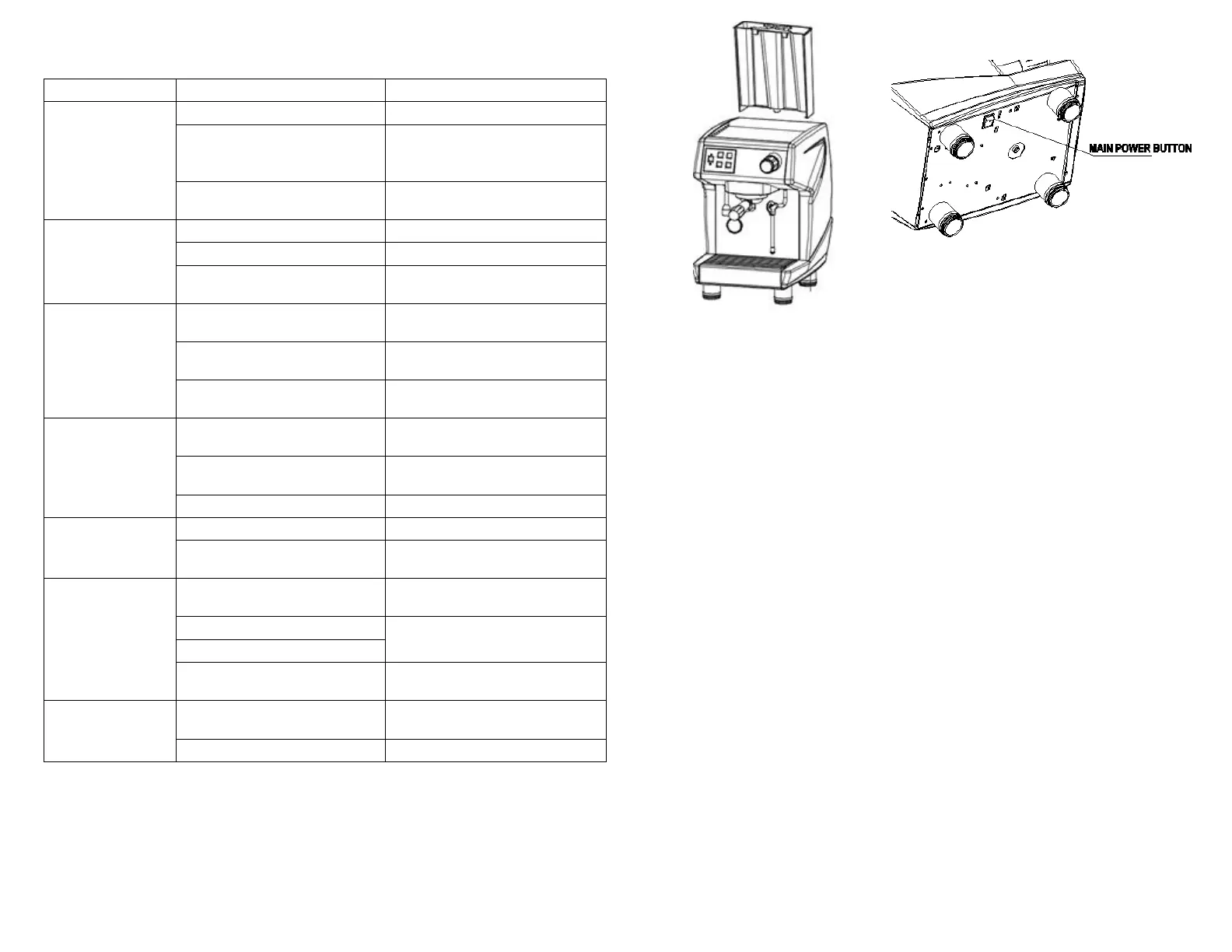
Image 3
Image 4
11

Related product manuals