37
TROUBLESHOOTING
What do I do if... For more info...
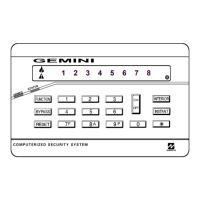
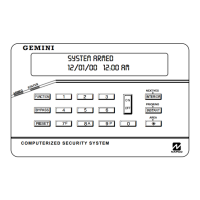
I try to arm my system but the keypad just displays “ZONES NOT NORMAL” and “CAN’T ARM
SYSTEM” and beeps at me.
If the green STATUS light is off, a zone is open. Find and secure the open window or door. See Page 6
I try to arm my system but the keypad displays “SYSTEM TROUBLE” and beeps at me. The
Error Codes numbers are displayed.
A System Trouble has been detected. Note the scrolling error codes, which represent the
trouble. Press C and you will now be able arm to the system, but the trouble must be fixed as
soon as possible.
See Page 7 & 28
The Fire Alarm is sounding and I don’t know how to turn it off.
If a fire is in progress, evacuate the premises immediately! If necessary, call the Fire Department from an
outside phone. If there is no evidence of a fire, enter your code and press J to silence the alarm. Note the
Zone Number displayed. Check the smoke detector(s). If a smoke detector tripped, its red alarm indicator
light will be on. Press C to silence the keypad sounder.
See Page 11


 To Next Page