4 Special Features
PG 3
F
0
/ C
0
Select
Centigrade / Fahrenheit selection. The C/F jumper is on the back of the
thermostat control unit it determines which temperature system is
displayed on the LCD display.
To change the F
0
/ C
0
jumper. Separate the control unit from the wall
mounted terminals. Locate the F
0
/ C
0
jumper .
Select the desired display mode.
Replace the control unit on the wall and press RESET.
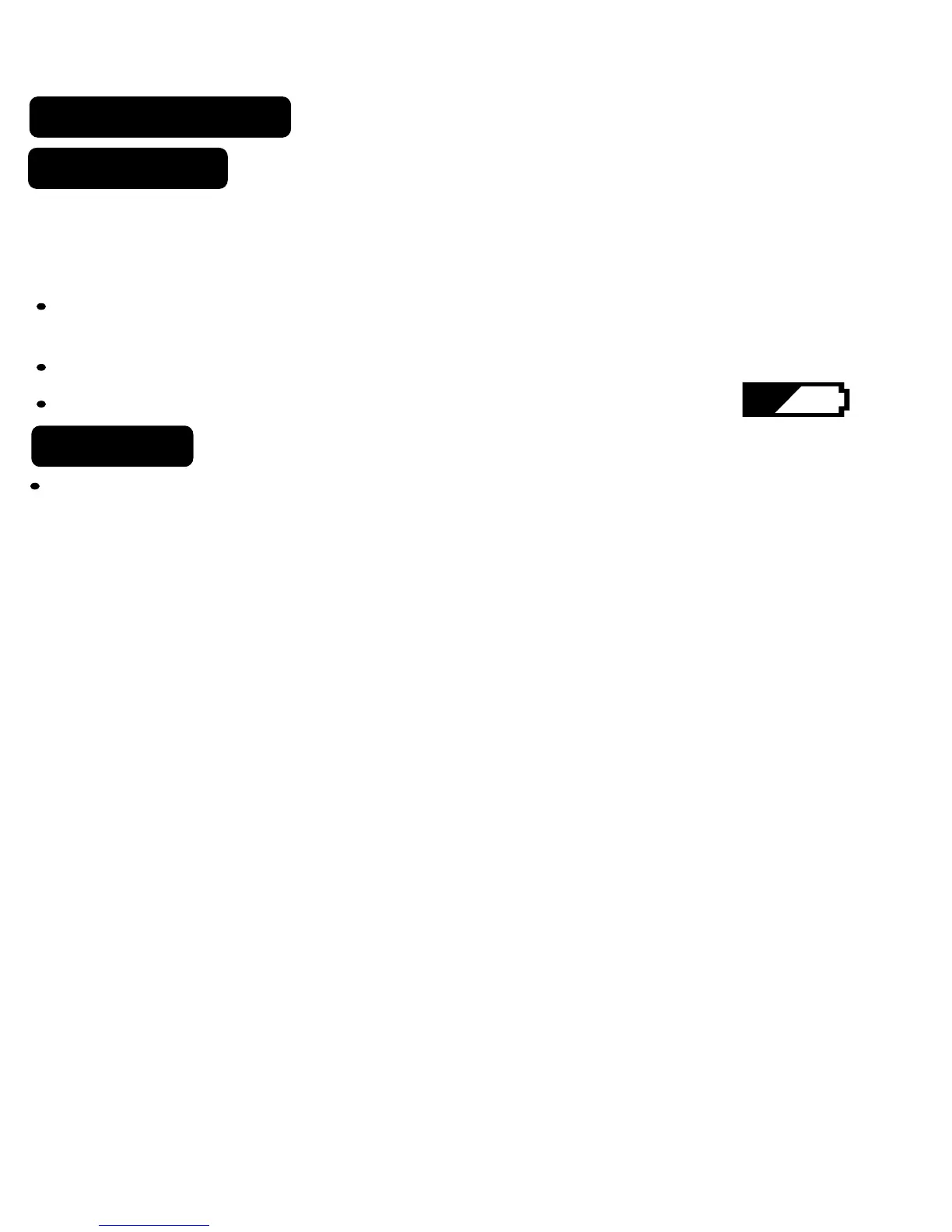
Low Battery
When the batteries are low, the battery icon will come on and flash.
The two AA Batteries in the unit need to be replaced. In some
installations your heater system will stop functioning when the thermostat
loses power. Replace batteries as soon as you see this warning. The
thermostat setting will remain for 30 seconds while the batteries are
removed and replaced.



 To Next Page