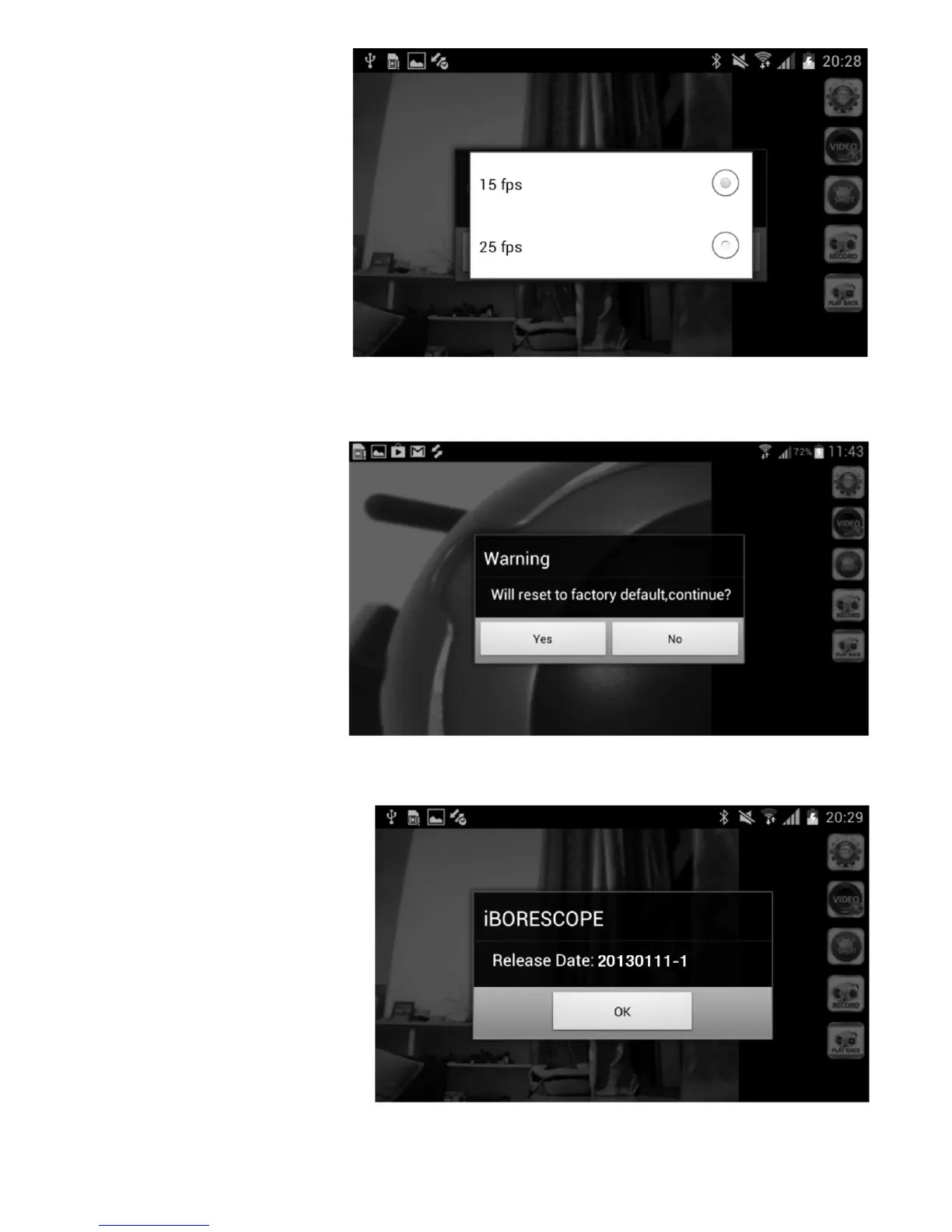
Select 25 fps to maximize
the quality of your video
clips. The only reason to
record video clips at the
lower, 15 fps frame rate is
to produce smaller clips
that require less memory
space to store and less
bandwidth to share via
e-mail. If you make a
change, remember to
touch the OK button to save the setting.
Touching the Reset to Default row of the initial Setting screen produces the
screen at right.
Touch Yes to restore all
factory default settings
(for SSID and password,
video recording resolution
and video frame rate).
Touching the About row of the initial Setting screen produces the following
screen with the app’s release date.
16


 To Next Page