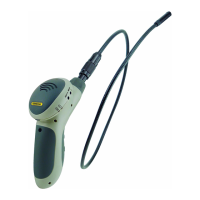
Fig. 1. The controls, indicators and physical features of iBorescope
1. WiFi status light: Red = Preparing hot spot; Green = Hot spot available
2. Video Out jack
3. DC5V charging jack
4. (Charging) light: Orange = Charging; Off = Fully charged
5. LOW battery charge light (glows red)
6. Power switch/brightness adjustment thumbwheel
7. Pistol grip
8. Camera-tipped probe
9. Camera head
10. RESET button (under left side of WiFi dome; press with end of paper clip
and hold for 10 seconds to reset the iBORESCOPE app’s WiFi Service Set
Identifier (SSID) and password to the factory defaults of “iBorescope” and
“12345678”, respectively.
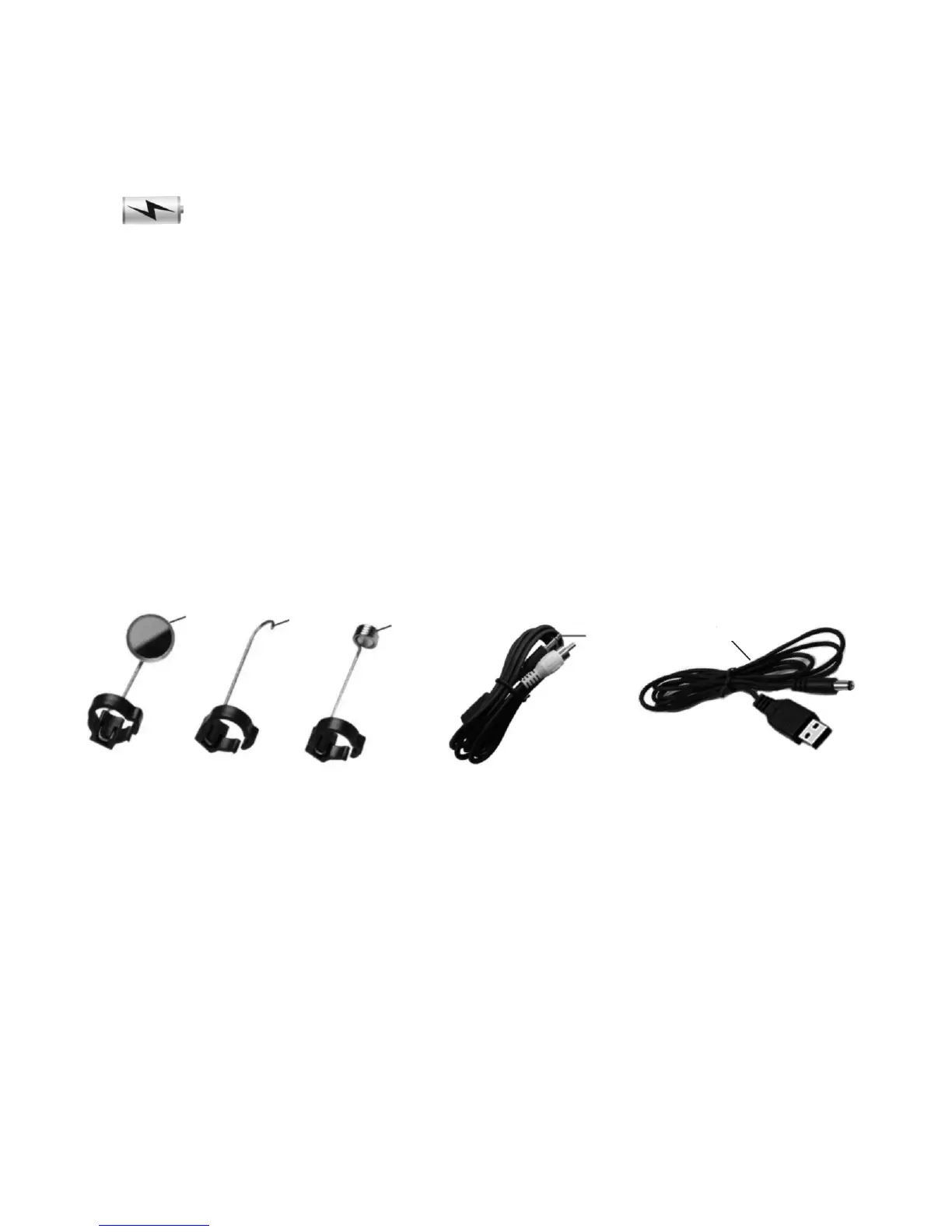
Fig. 2. iBorescope’s standard accessories
11. 45° mirror 12. Pickup hook
13. Magnetic pickup 14. A/V cable
15. USB charging cable
5
11
12
13
14
15


 To Next Page