4.Press or to select desired time length or choose “Disable”.
5.Press OK/MENU
The console will automatically turn off if it has not been used for this preset length of time.
Re-charging the battery
Re-charging the Console battery only
Plug the adapter into the outlet and plug the power jack into the socket on the console.
Combined Console and Handle re-charging
Insert the handle into the rear slot of the console to re-charge both simultaneously.
Re-charging the Handle Controller only
Connect the handle controller to a PC or Laptop using a standard Mini USB cable for re-charge.
Caution: 1. Turn off the console and handle during re-charging.
2. Ensure the power of PC/Laptop is turned on during re-charging by USB cable.
3. Ignore the “found new hard drive” message during re-charg by USB cable.
•
•
•
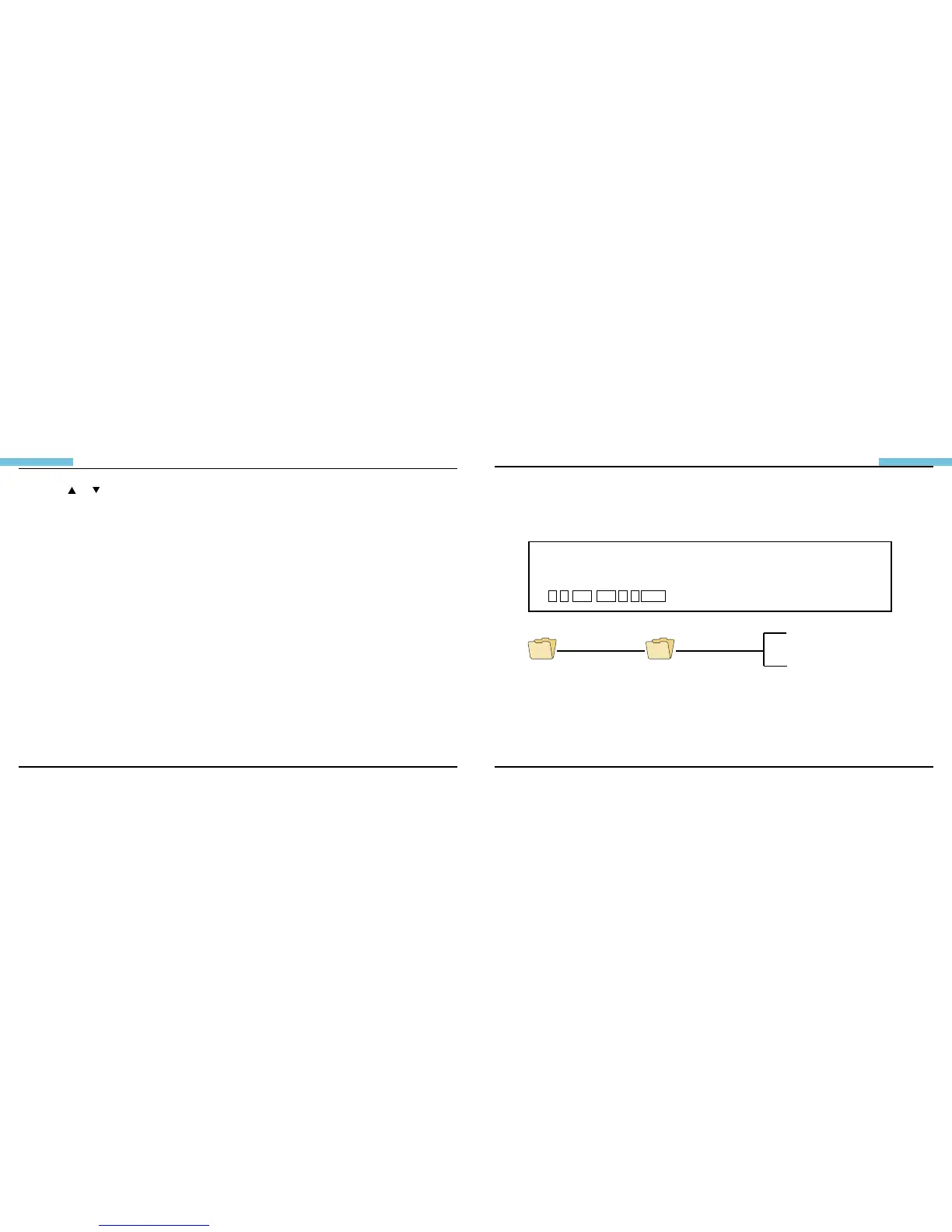
Creation of Memory Card Folder
The following information applies to the included SD card only. All photos and videos are stored in the
[100MEDIA] folder under the [DCIM] folder. All les will be named according to the time/date setup.
The original setup date 1 Month 1 Date 6:14:23 Name of the file 11061423.JPG
Month Date Hour: Minute: Second Extension
DCIM 100MEDIA
11061423.JPG
11061435.ASF
1 1 0 6 1 4 2 3 .JPG
The original setup date 1 Month 1 Date 6:14:23 Name of the le
1 1 0 6 1 4 2 3 .JPG Month Date Hour: Minute: Second Extension
●Users should complete the time/date setup before usage in order to achieve accurate le management.
●The time/date is pre-set to 2007/1/1. Users may identify this when the le name begins with the digits 11.
●File names are not labeled by serial number. They are labeled according to the current time/date.
●Both photos and videos are named in the same way but with different le extensions, .jpg and .asf.


 To Next Page