Code 93 Code Page
Code pages define the mapping of character codes to characters. If the data
received does not d
isplay with the proper characters, it may be because the bar
code being scanned was created using a code page that is different from the one
the host program is expecting. If this is the case, scan the bar code below, select
the code page with which the bar codes were created (see ISO 2022/ISO 646
Character Replacements), and scan the value and the Save bar code from the
Programming Chart on the inside the back cover of this manual. The data
characters should then appear properly.
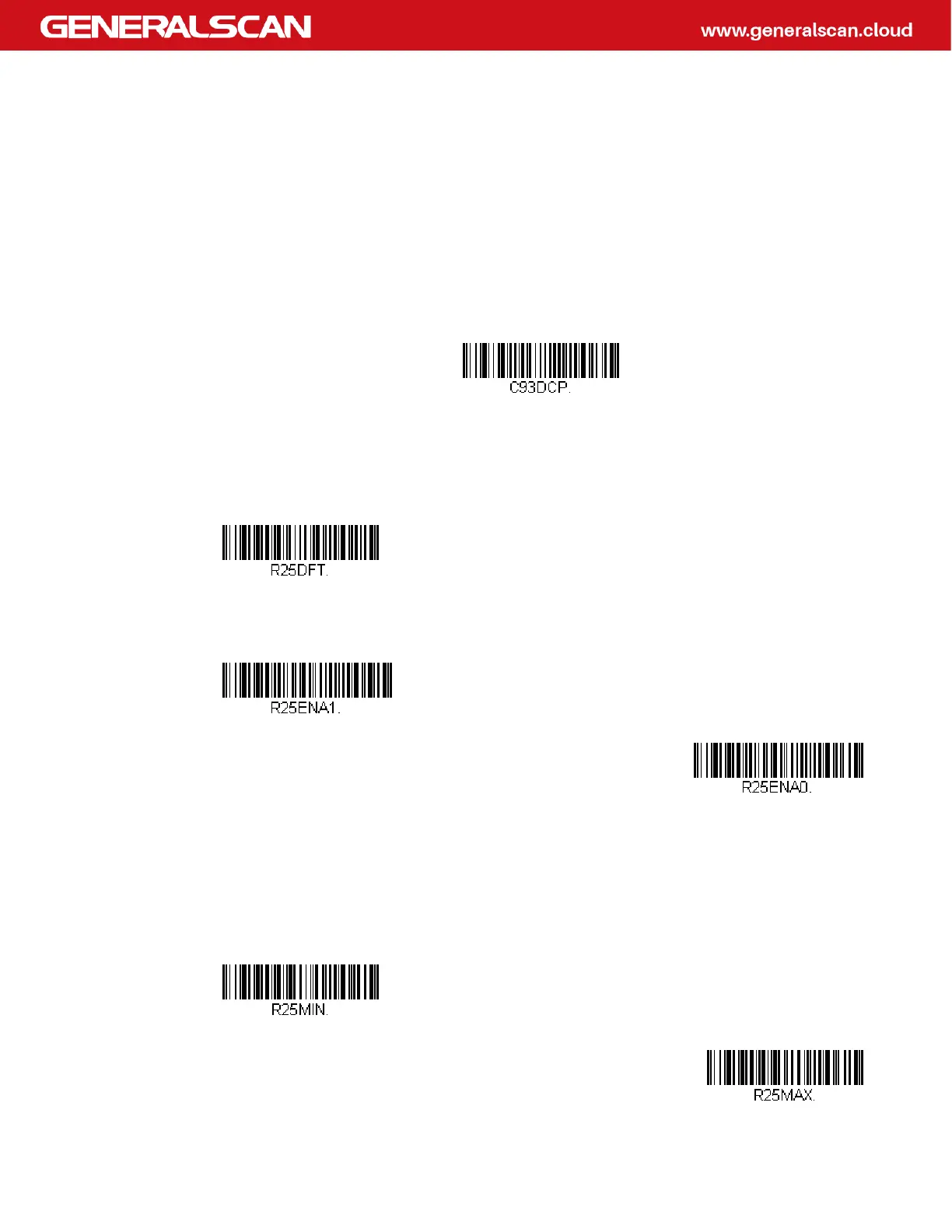
Straight 2 of 5 Industrial (three-bar start/stop)
<Default All Straight 2 of 5 Industrial Settings>
Straight 2 of 5 Industrial On/Off
Straight 2 of 5 Industrial Message Length
Scan the bar codes below to change the message length. Refer to Message Length
Description for additional information. Minimum and Maximum lengths = 1-48.
Minimum Default = 4, Maximum Default = 48.
Code 93 Code Page
On
* Off
Minimum Message Length
Maximum Message Length



 To Next Page