MSI Message Length
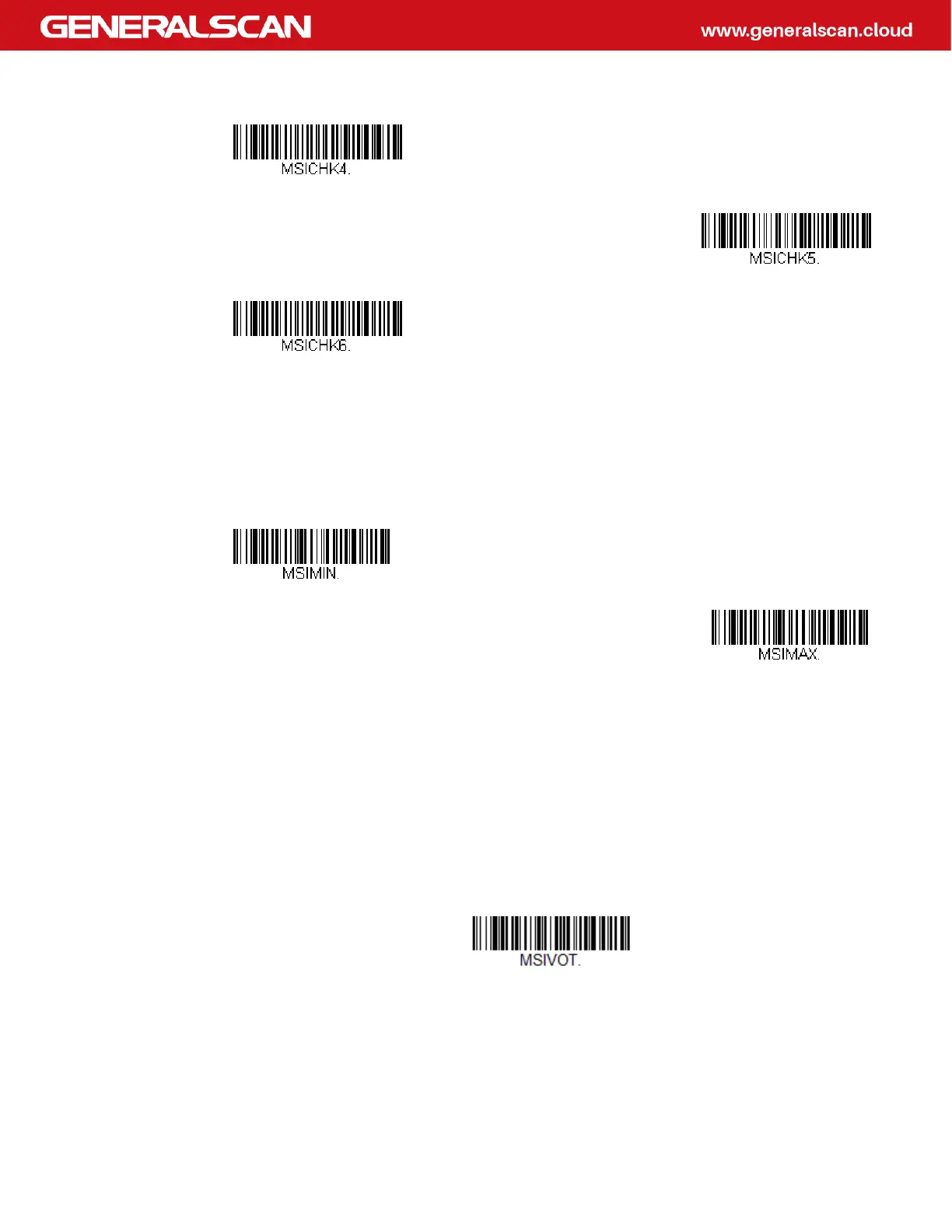
Scan the bar codes below to change the message length. Refer to Message Length
Description for additional information. Minimum and Maximum lengths = 4-48.
Minimum Default = 4, Maximum Default = 48.
MSI Redundancy
If you are encountering errors when reading MSI bar codes, you may want to adjust
the redundancy count. Redundancy adjusts the number of times a bar code is
decoded before transmission, which may reduce the number of errors. Note that
the higher the redundancy count, the longer it will take to decode the bar code. To
adjust the redundancy, scan the MSI Redundancy bar code below, then scan a
redundancy count between 0 and 10 on the Programming Chart. Then scan the
Save bar code. Default = 0.
Validate Type 11 then Type 10
Character, but Don’t Transmit
Validate Type 11 then
Type 10 Character and Transmit
Disable MSI Check Characters
Minimum Message Length
Maximum Message Length
MSI Redundancy



 To Next Page