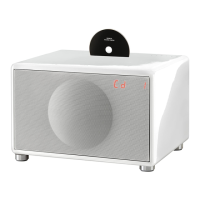
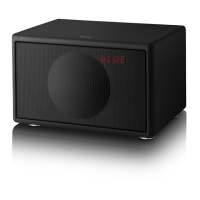
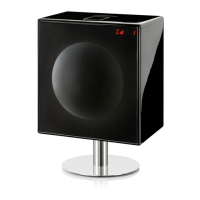
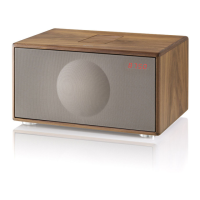
• Press volume+ on your remote while pointing at the center of the Cinema+ front metal grill
• Red LED stop ashing when the command is stored
Repeat the same procedure for volume down button
Sound mode
Cinema+ features 4 different sound mode to enhance your sound experience. You can manually increase
and decrease Subwoofer level with sub-/+ button on your remote
MUSIC: optimized for listening to music, YouTube clips and concerts
VOICE: optimized for crystal clear speech
NEUTRAL: optimized for at EQ listening
FILM: optimized for sound effects and action movies
Other features
Auto Power ON: Cinema+ turns on automatically when you turn your TV on
Auto Power OFF: Cinema+ turns off automatically after 20 minutes if no sound is playing
Troubleshooting
Why is sound coming from my TV and my Cinema+ simultaneously?
Cinema+ is designed to replace your televisions internal speakers and the audio should only be present
in the Cinema+.
Most televisions will automatically recognize an optical output, but some will not. You mayneed to adjust
your audio output settings on your TV andchange this to an external speaker or Digital output.
We recommend consultingyour user manual or your TV manufacturer fordetails on how to do this.
How do I pair another remote with Cinema+?
Refer to “Remote learning” chapter every time you want to pair a new remote
Why do I hear a strange sound from my TV2 when watching HD content?
With some TV’s, the Cinema+ could output a distorted sound if you are viewing HD content such as:
• HD Channels
• Netix Apps
• Amazon Instant Video Apps
• Blu-Ray/DVD’s
• Satellite TV Provider e.g. Sky, Virgin TiVo etc.
This occurs because these will output multi-channel (surround) sound as a default setting.
As Cinema+ is only able to decode a stereo PCM signal, you will need to ensure theaudio output of your
TV/App/Box’s settings are congured to LPCM/Stereo. If you are unsure of how to amend your settings,
please consult your TV/Box’s manufacturer.
What do Cinema+ coloured LED’s represent?
The different colored LED’s represent the source you are using. Please nd the sources and their corre-
sponding color below.
• HDMI ARC - Purple
• Optical - Pink
• Line-IN - Green
• Bluetooth – Blue
For more information, check www.genevalab.com/support


 To Previous Page