34
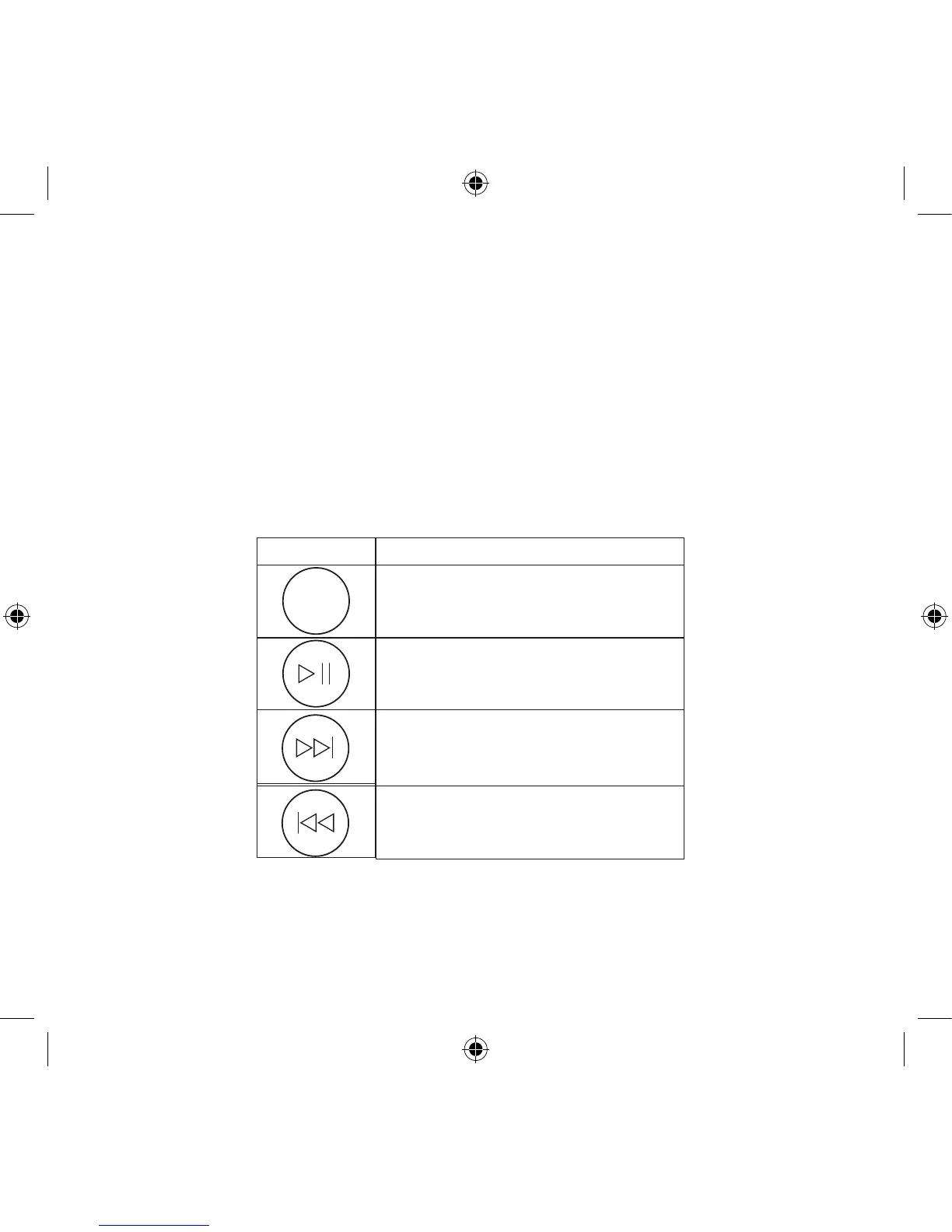
How to control the iPod using the Geneva Sound System’s remote control?
If you have inserted an iPod into the Universal Dock and turned the Geneva Sound Sys-
tem into iPod mode, you can control the iPod using the remote control supplied with the
Geneva Sound System. Simply follow the instructions in the table below to perform
control the various functions:


 To Next Page