25
English
How to store your favorite FM radio station in a preset?
1. Select your favorite radio station using the << or >> keys on the remote control.
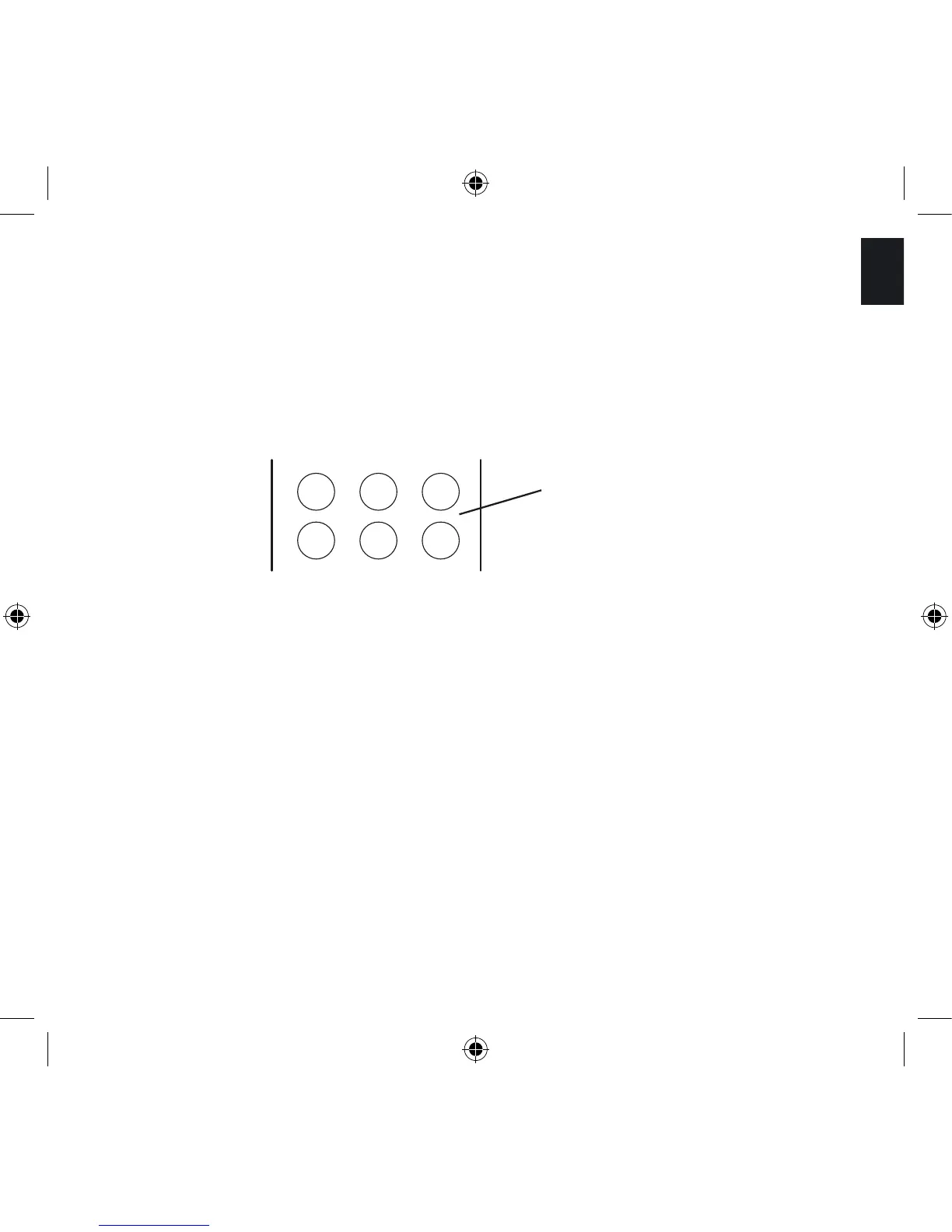
2. You have six presets (a preset memorizes the frequency of the station) available – these
are the following six keys on your remote control:
3. Select one of the 6 preset keys on the remote control, and hold it down until ‘store’
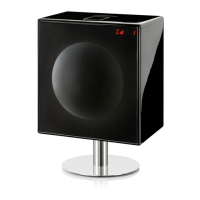
appears on the LED display in the Grille of the Geneva Sound System. The station has
now been stored and can be retrieved using the selected preset key.
How to play a FM radio station that is stored in the presets?
1. Press the FM key on the remote control.
2. Simply press one of the six preset keys once and the stored FM station will be
received.



 To Next Page