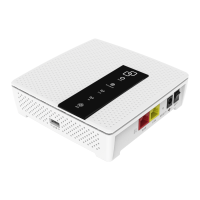
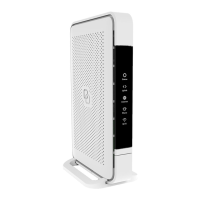
LED & buton oveview
Status
Green – system is operational ready
Green (blinking) – connectiviy lost
Yellow – system statup or WiFi OFF
Yellow (blinking) – system is not ready
Blue – automated pairing (WPS) successful
Blue (blinking) – automated pairing (WPS) in progress
Red – system booting failure
O – power o
Mode buton
Pairing (WPS) – press and release once
WiFi ON – press and hold until Status LED turns green
(blinking or solid)
WiFi OFF – press and hold until Status LED turns solid yellow



 To Next Page