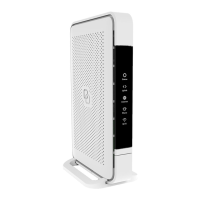
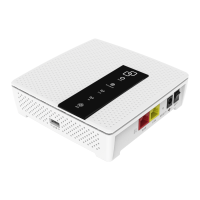
Box contents
• Genexis Pulse EX
• Power adapter
• Nework cable
• Labels (self-adhesive)
• Plugs & screws
Placement
Pulse EX suppots wo placement
options; desktop and mounted
to a wall. It is recommended to place
the device ‘away’ from objects.
Desktop
. Place the device horizontally on a
lat suface.
Wall mount
. Download and print the drilling
guide from htps:genexis.eu
productpulsedownloads
. Use the drilling guide to drill the
holes, inset plugs and put
screws into place.
Use the wall mount points on the back of the
Pulse EX to mount the device to the screws.
Various translations of this document (if available) and additional product
information can be foundon htps:genexis.euproductpulsedownloads
Installation guide
Pulse EX can be setup as a router or wirelesswired extender.
You're just a few steps away to install your device
via the Genexis EasyWiFi app
Installation with use of app
Scan QR-code
Download app and
follow the steps


 To Next Page