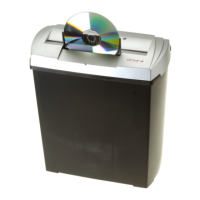
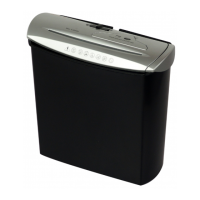
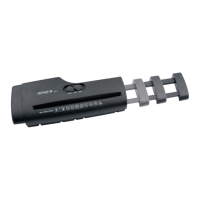
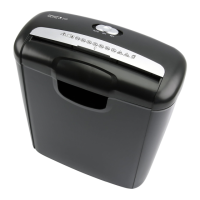
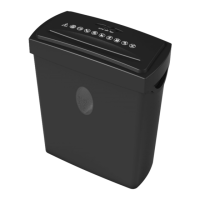
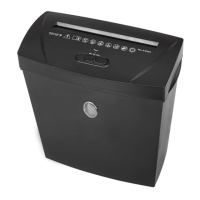
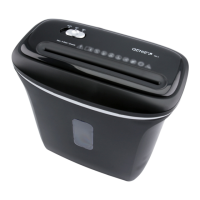
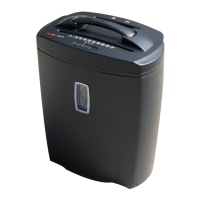
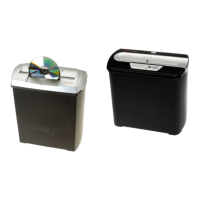
EN GENIE 250CD Document Shredder
with separate shredder for CDs/DVDs and credit cards
Dear customer,
Thank you for buying this high-quality product. Please carefully read through these
operating instructions before using the device for the first time. In particular, please
comply with the safety notices. Our service information is located at the bottom of
these instructions.
IMPORTANT safety measures :
1. Always be sure to keep all loose objects such as e.g. clothing, ties , jewellery ,
hair and all other small objects away from the feed slot in order to avoid injury.
2. Disconnect the mains plug in the event the document shredder is not be used for a longer
period of time.
3. Remove all paper clips and staples before inserting the paper.
4. Always be sure to keep your fingers and hands away from the feed slot in order to
avoid serious injury.
5. The device should be setup as close as possible to an easily accessible wall socket.
6. The document shredder must always be deactivated and disconnected from the electrical
line prior to moving, transporting and cleaning the device and prior to emptying the waste
basket.
7. Empty the waste basket frequently. Otherwise the shredder may jam. Please disconnect
the mains plug in order to empty the basket.
8 Attention: The document shredder is not suitable for shredding cassettes resp. diskettes.
9. Please do not leave the document shredder unattended e.g. in the event children or
pets are nearby.
- 6 -


 To Next Page