(
Built-in rechargeable Ni-MH
battery)
USB
Port
Micro USB cable
Pico receiver
Overview
The instruction
is as follows
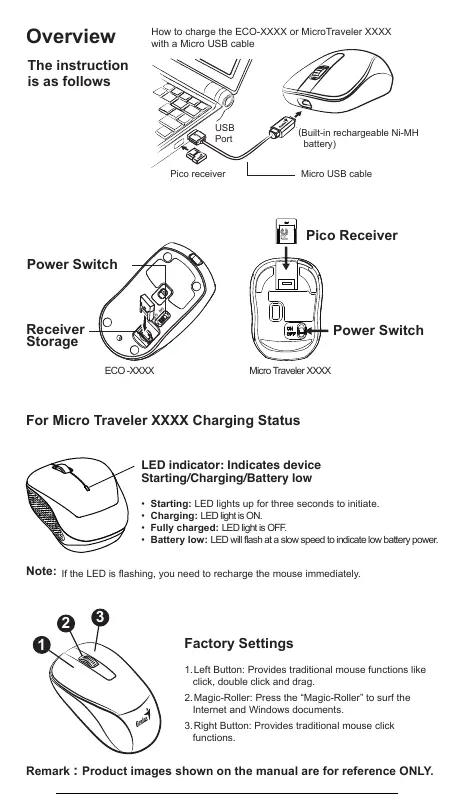
How to charge the ECO-XXXX or MicroTraveler XXXX
with a Micro USB cable
2
3
1
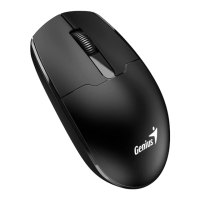
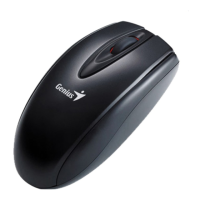
1. Left Button: Provides traditional mouse functions like
click, double click and drag.
2. Magic-Roller: Press the “Magic-Roller” to surf the
Internet and Windows documents.
3. Right Button: Provides traditional mouse click
functions.
Factory Settings
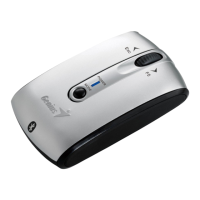
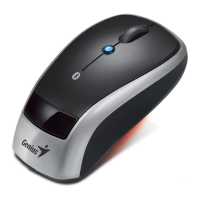
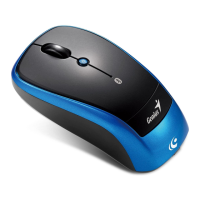
Remark : Product images shown on the manual are for reference ONLY.
Power Switch
OFF
ON
Receiver
Storage
For Micro Traveler XXXX Charging Status
Micro Traveler XXXX ECO -XXXX
• Starting: LED lights up for three seconds to initiate.
• Charging: LED light is ON.
• Fully charged: LED light is OFF.
• Battery low: LED will flash at a slow speed to indicate low battery power.
LED indicator: Indicates device
Starting/Charging/Battery low
Pico Receiver
Power Switch
Note:
If the LED is flashing, you need to recharge the mouse immediately.
6 / 10




 To Next Page