EasyManua.ls Logo

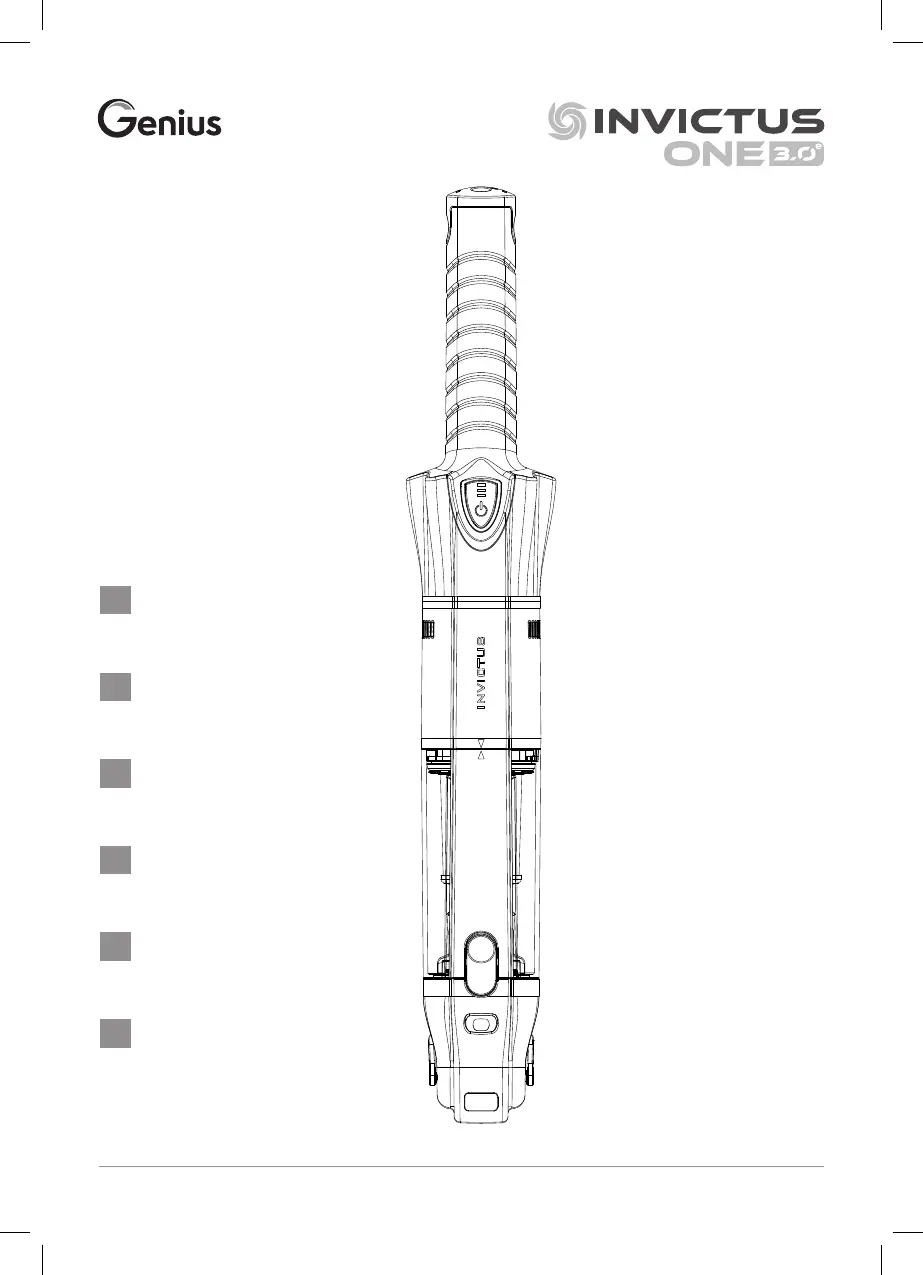
Genius INVICTUS ONE 3.0 - User Manual

Genius INVICTUS ONE 3.0
88 pages
Go to English
Print Icon
To Next Page IconTo Next Page
Loading...
Genius GmbH • Im Dachsstück 8 • 65549 Limburg • Germany • www.genius.tv INV ONE 3.0
e
_IM_INT_1122
Gebrauchsanleitung
ab Seite 5
Instruction Manual
from page 19
Mode d´emploi
de la page 32
Gebruiksaanwijzing
vanaf pagina 46
Manuale d’uso da pag. 60
Instrucciones de uso
a partir de la página 74
DE
GB
FR
IT
ES
NL

Table of Contents

Questions and Answers

  • A
    amyrichardsAug 7, 2025
    Why is my Genius INVICTUS ONE 3.0's suction performance so poor?
    • S
      Shane HoffmanAug 7, 2025
      Poor suction performance in your Genius Vacuum Cleaner can be due to several reasons: * The metal or HEPA filter might be blocked - clean the filters. * The battery may be discharged - charge the battery. * The dust container might be full - empty the dust container.
  • L
    Lindsey CannonAug 15, 2025
    What to do if my Genius INVICTUS ONE 3.0 switches off automatically and the LED indicator flashes?
    • J
      Jerry FrostAug 15, 2025
      If your Genius Vacuum Cleaner switches off automatically and the LED indicator flashes, it could be due to: * A blockage in the suction opening, suction pipe, or brushes – check and remove any dirt. * A dirty HEPA filter – clean the HEPA filter.
  • R
    Robert MontgomeryAug 22, 2025
    What to do if dust is coming out of the air vents of my Genius INVICTUS ONE 3.0 Vacuum Cleaner?
    • K
      Kaylee YorkAug 22, 2025
      If dust is coming out of the air vents of your Genius Vacuum Cleaner, there are a few possible causes: * The metal or HEPA filter may be damaged – in this case, you should contact your local retailer to order a replacement filter. * The dust container may be full – empty the dust container. * The metal or HEPA filter may not be correctly inserted – re-attach the filters correctly after cleaning.
  • M
    Mark MorrisAug 29, 2025
    Why is the charging display not lighting up on my Genius INVICTUS ONE 3.0?
    • S
      sara58Aug 29, 2025
      If the charging display is not lighting up on your Genius Vacuum Cleaner, the power supply may not be correctly connected to the plug socket or to the handheld vacuum cleaner. Ensure that the power supply is correctly inserted into the plug socket and that the power connector is correctly inserted into the charging socket or charging base.

Summary

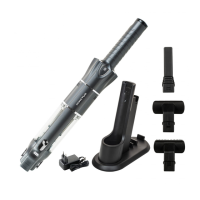
Product Components

Charging System Components

Components for charging the device, including socket, supply, and adapter.

Main Unit Components

Key parts of the handheld vacuum cleaner like battery, handle, and filters.

Cleaning Attachments

Various brushes, nozzles, and extensions for different cleaning tasks.

Storage and Mounting Accessories

Parts for storing and mounting the vacuum cleaner and its accessories.

Accessories Overview

Motorised Brushes

Motorised brush and mini brush for effective cleaning of various surfaces.

Specialised Nozzles

Crevice and flexible crevice nozzles for reaching tight and difficult spots.

Brushes for Dusting and Upholstery

Textile, soft, flexible soft, and dusting brushes for delicate surfaces.

Floor Cleaning Nozzle

Triangular floor nozzle designed for corners and hard-to-reach floor areas.

Safety Information

General Information and Proper Use

Essential details about the vacuum cleaner and its intended use.

Explanation of Symbols

Details the meaning of warning symbols and signal words used in the manual.

Risk of Electrocution

Precautions to avoid electric shock and related hazards during operation.

User Safety and Battery Hazards

Safety guidelines for children, battery handling, and general risks.

Injury and Damage Prevention

Tips to prevent personal injury and damage to the device during use.

Getting Started and Charging

Initial Handling Precautions

Warning about potential damage when opening packaging.

Preparing Charging Devices

Instructions for assembling table, wall, and storage charging stations.

Charging the Battery

Methods for charging the battery, with and without charging stations.

Charging Indicators

How to interpret LED indicators for battery status during charging.

Using the Vacuum Cleaner

Operating Warnings

Warnings regarding vacuuming liquids and fire hazards.

General Operation and Modes

Instructions on switching the unit on/off and understanding battery level indicators.

Storage Guidelines

Recommendations for storing the vacuum cleaner and its accessories.

Maintenance and Troubleshooting

Emptying the Dust Container

Step-by-step guide to emptying the dust container.

Filter Removal and Cleaning

Instructions for removing and cleaning metal and HEPA filters.

General Cleaning and Maintenance

Procedures for cleaning the vacuum cleaner and its parts.

Changing the Battery

Instructions for removing and inserting the battery.

Cleaning Motorised Brushes

Guidelines for cleaning the mini and main motorised brush attachments.

Troubleshooting Common Issues

Guides users through common problems and their potential solutions.

Disposal and Specifications

Device and Battery Disposal

Guidelines for environmentally friendly disposal of the vacuum cleaner and batteries.

Technical Specifications

Detailed technical data for the main unit and power supply.

Customer Service Information

Contact information for questions about the device or spare parts.

Genius INVICTUS ONE 3.0 Specifications

General IconGeneral
BrandGenius
ModelINVICTUS ONE 3.0
CategoryVacuum Cleaner
LanguageEnglish

Related product manuals