English
-11-
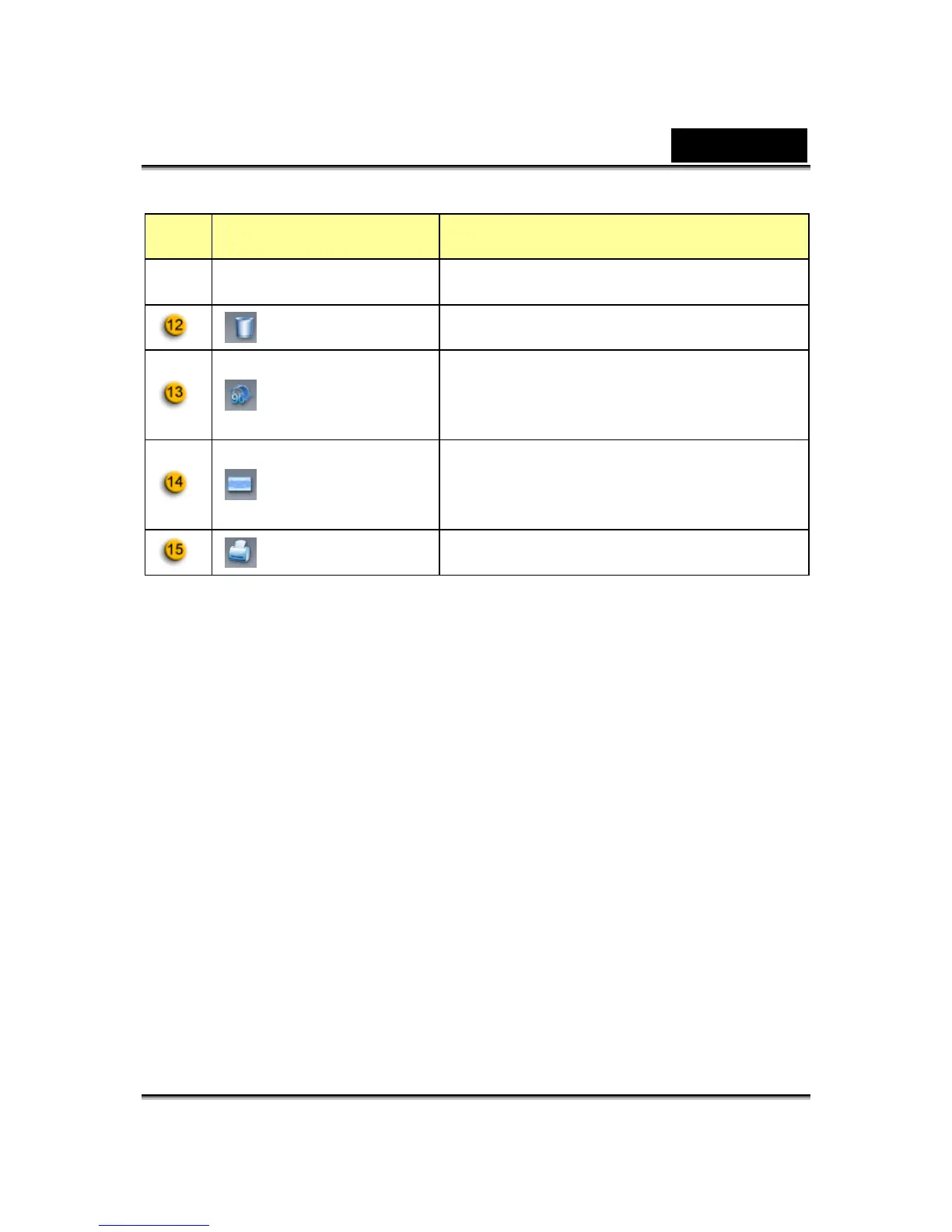
Item Mode Description
Device
Delete File Delete the selected files.
Rotate Image
Rotate the selected image file 90
degrees in title list display.
Email file
Attach the selected image file to an
email.
Print Picture Print the selected image file.
Remark:
* This function must use the resolution of 640x480 or 320x240. Please make
sure the resolution is correct before executing this function.














 To Next Page