English
-2-
iSlim 2000AF supports UVC (USB Video Class) which can plug and play
in Windows XP SP2, Vista or above OS without a device driver
installed.
1. Make sure your PC OS system is Windows XP SP2, Vista or above.
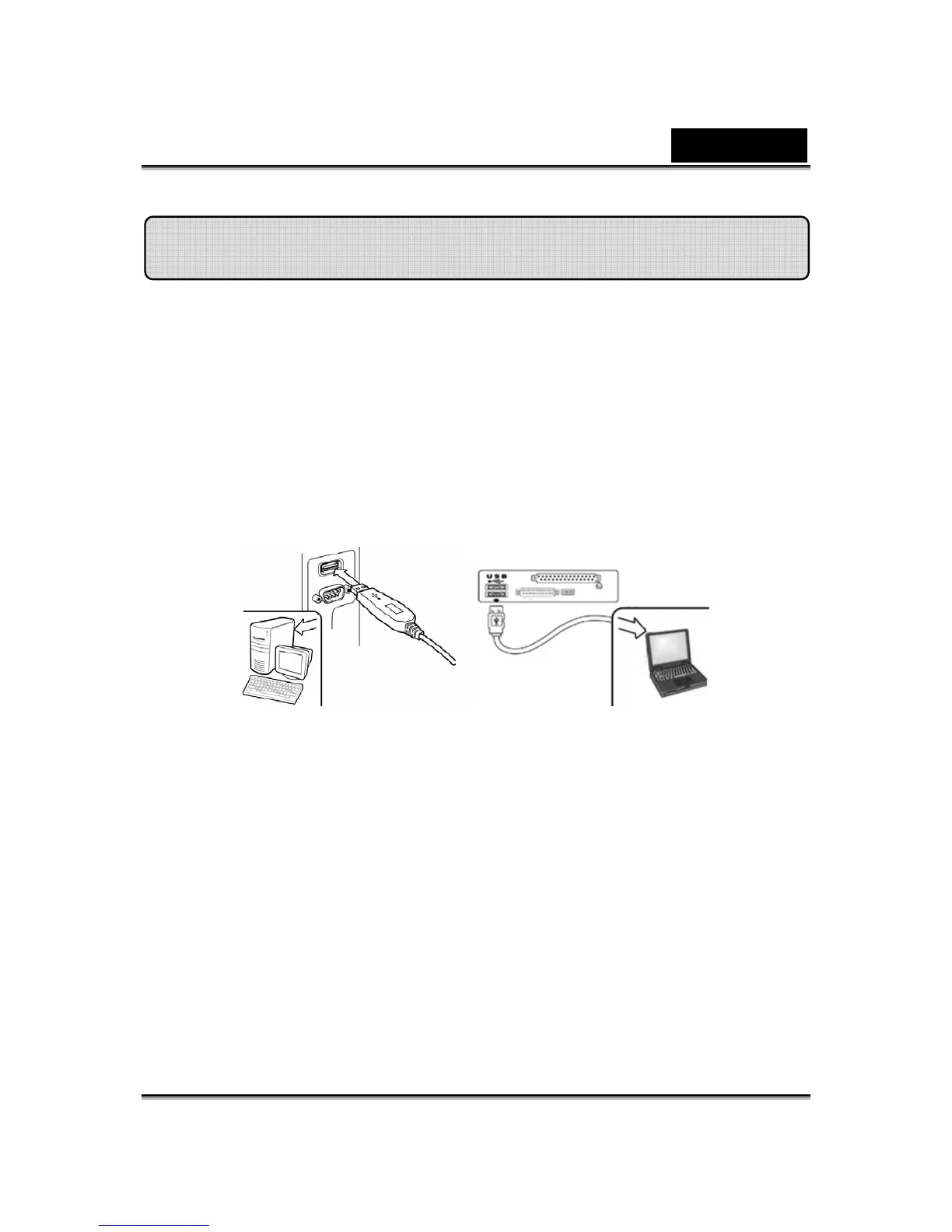
2. Position the webcam and connect the USB cable to an available
USB port on your computer. Windows automatically detects the
device.
3. Now iSlim 2000AF is ready for running with any application. The
web camera can work properly with any video chat software that
supports a video feature.
4. In Windows Vista:
You can use Genius application software to capture a real-time image,
record or execute the simple security function. The Snapshot function
will work in the Genius application software.
5. In Windows XP SP2:
a. Double-click the My Computer icon.
Alternatively, click Start →My Computer.
Installing the iSlim 2000AF














 To Next Page