English
-41-
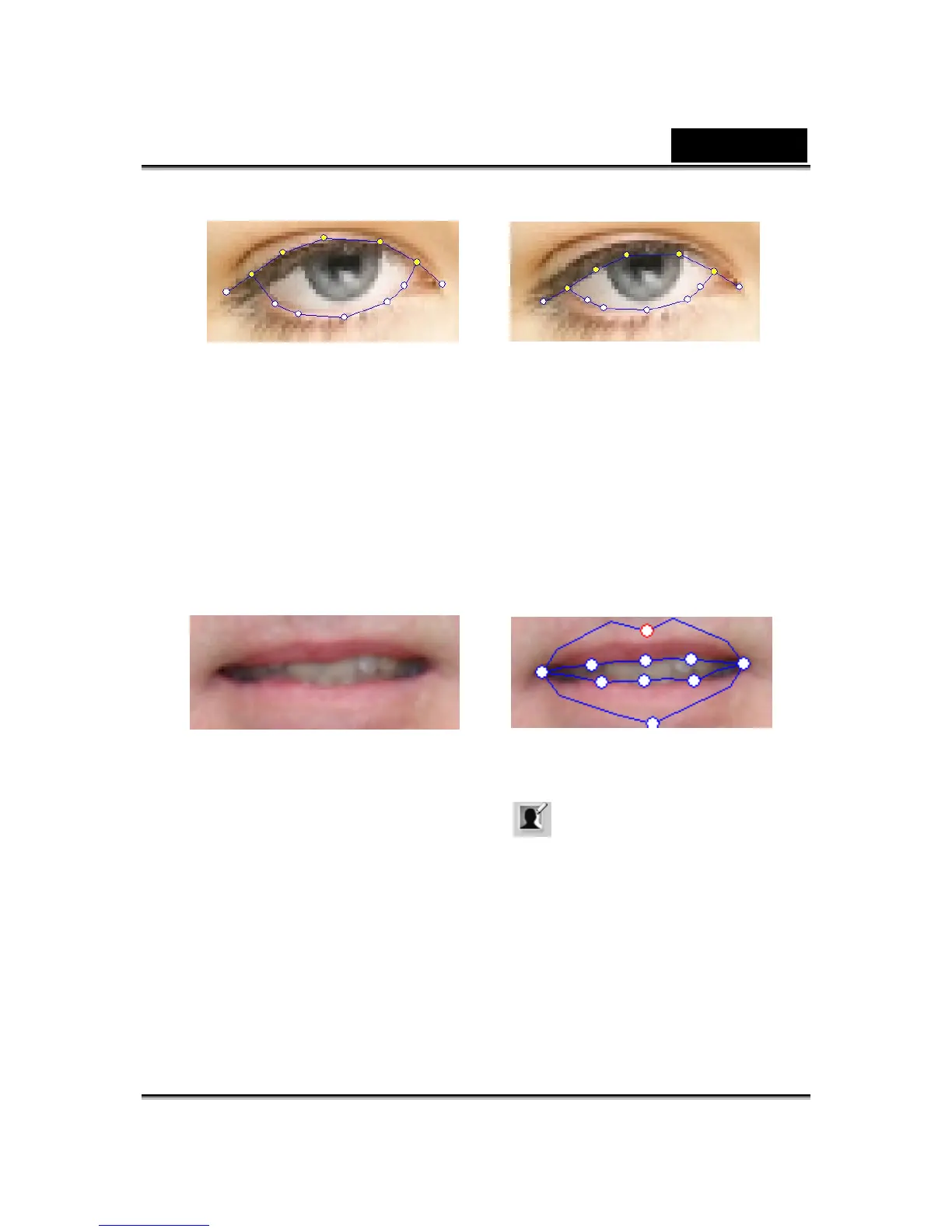
Incorrect Correct
• How can I improve the mouth movements for a photo with
an open mouth?
Use the Detailed Facial Mode to keep the upper and lower lips
separate. Use the Force to Close function to close the mouth while
speaking.
The following illustration shows how to fit an open mouth with the
anchor points.
•
How can I avoid background movement without changing
the original background?
Use the Background Mask Editing button and spread out the
background using the brush and clear tools. Don't get the mask too
close to the facial area and make sure that it does not overlap the head
of the model.














 To Next Page