English
-52-
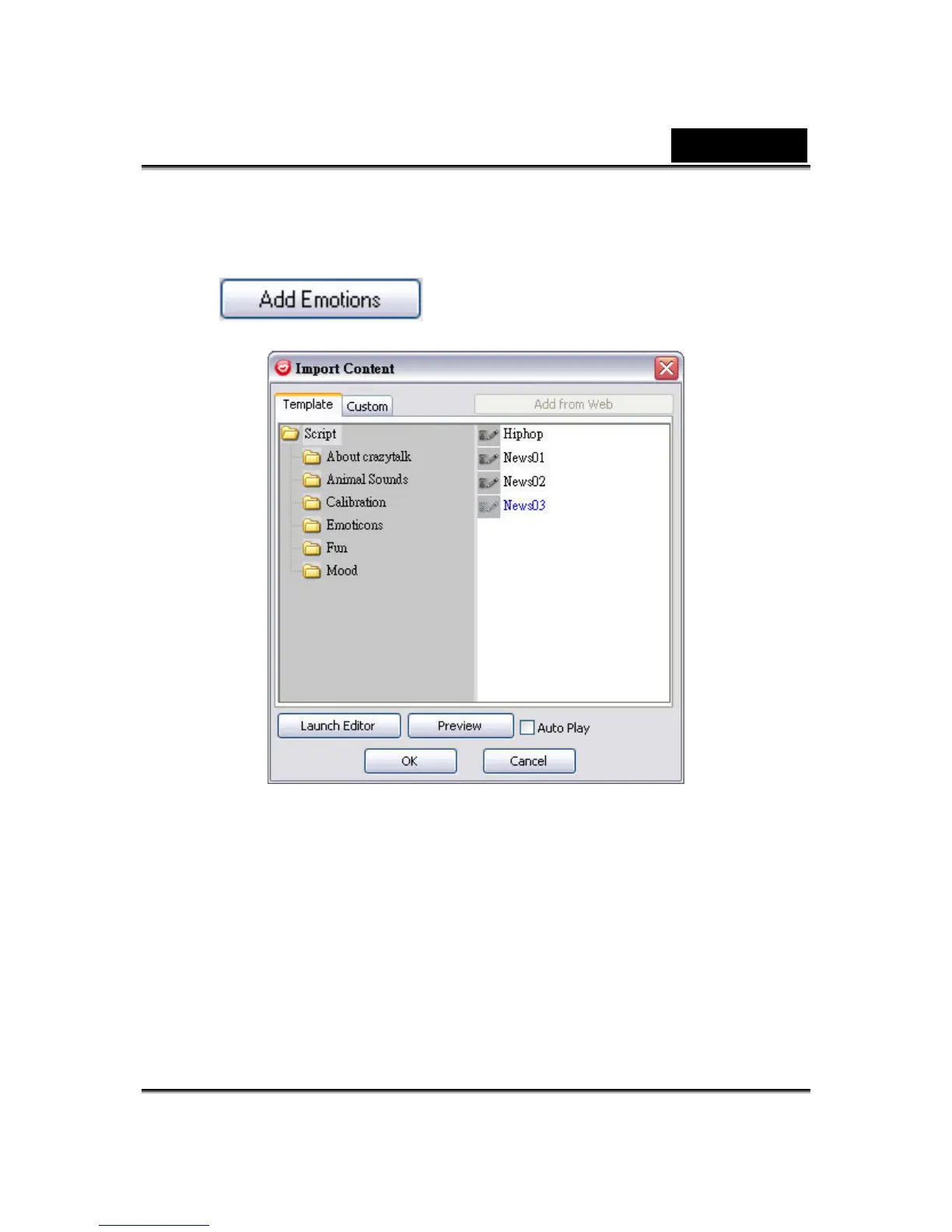
To import new emotions:
1. Click to display the import options.
2. Click Template and browse through the folders to select a script (.cts)
from the CrazyTalk Cam Suite default template scripts. Alternatively,
click Custom to browse through the custom-created scripts. Refer to
CrazyTalk Cam Suite Online Help to learn how to create custom scripts.
3. Select a template or customized script and click Preview to see the script
file. If the Auto Play checkbox is checked, it will auto play the script file.
4. Click OK to use it as your CrazyTalk Cam Suite emotion. The emotion is
now displayed in My Emotions in More Emotions dialog.















 To Next Page