English
-53-
5. To create new emotions using CrazyTalk Avatar Creator, click Launch
Editor to start CrazyTalk Avatar Creator. The new emotions are saved
under the Custom tab.
6. To download emotions from the Reallusion website, click Add from Web.
The new emotions are saved under My Emotions.
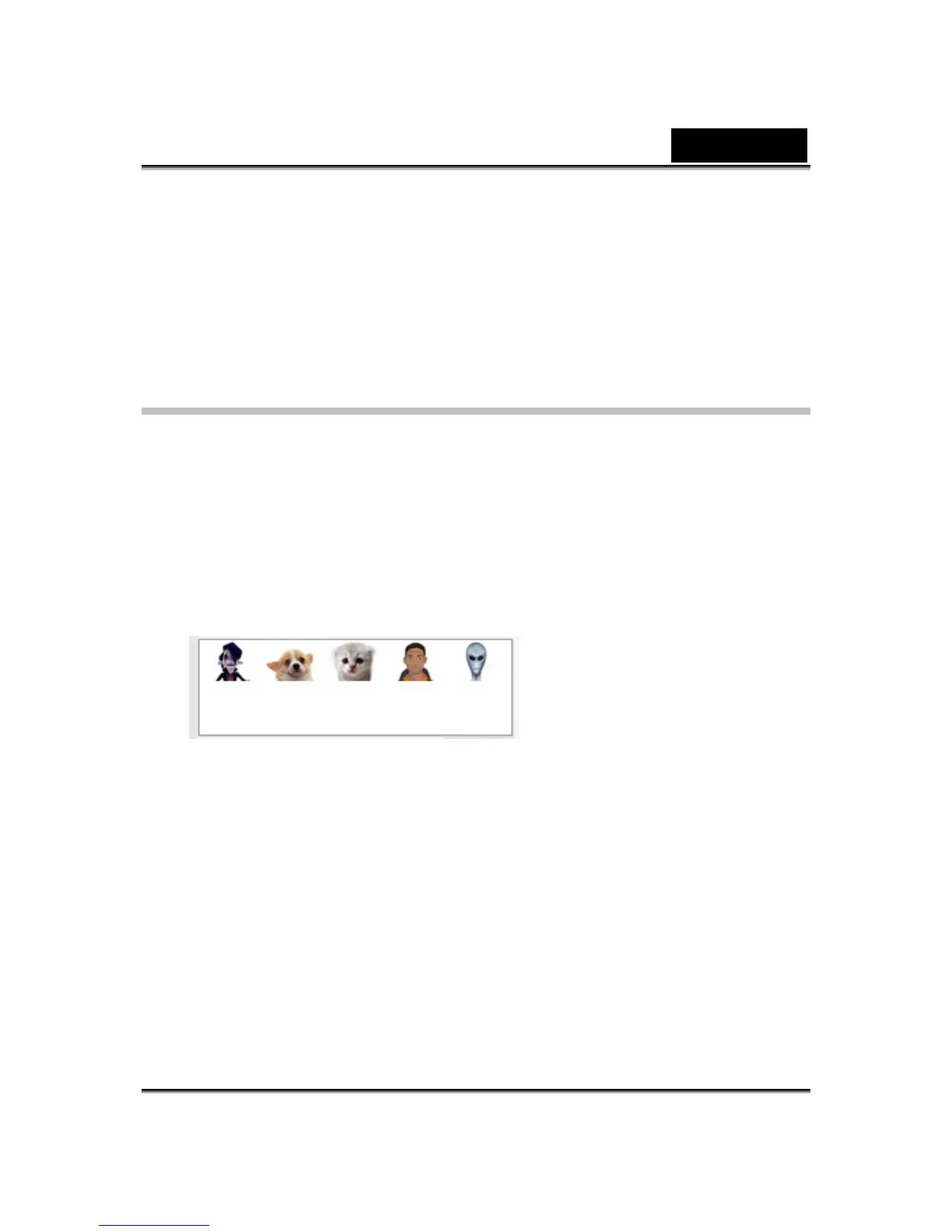
Selecting an Avatar
CrazyTalk Cam Suite enables you to select a customized image created by
CrazyTalk Avatar Creator and use it as your avatar during
instant-messaging video calls.
• Select an avatar from the Avatars area. You will see your selected
avatar appearing in the preview window. If you are preceding a video
conference, you will see the selected avatar displayed on your
messenger application.















 To Next Page