English
-57-
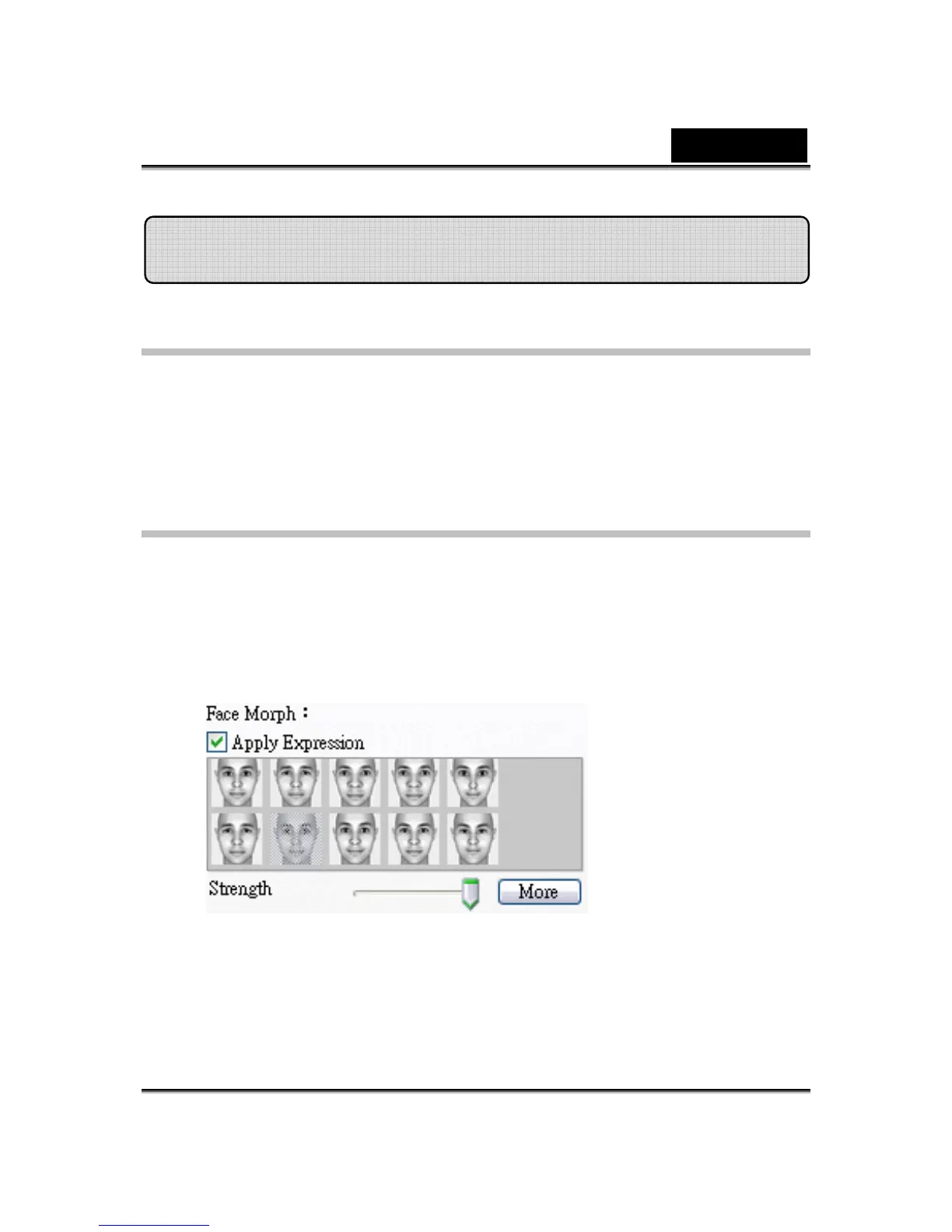
Using Face Morph
You can add different expressions to enhance your face by means of Face
Morph technology. This can enhance your face so that your face looks
thinner, younger, or funnier with alien, bull or foxy expressions.
To use the Face Morph features:
• Check up the Apply Expression check box to apply the expression onto
your face. Check off the box to discard the expression.
• Click on one of the expression you desire.
• Drag the Strength slider right to strengthen the expression while drag it
left to decrease.
• Click on the Preview button to invoke the preview window.
MagicMirror















 To Next Page