English
-58-
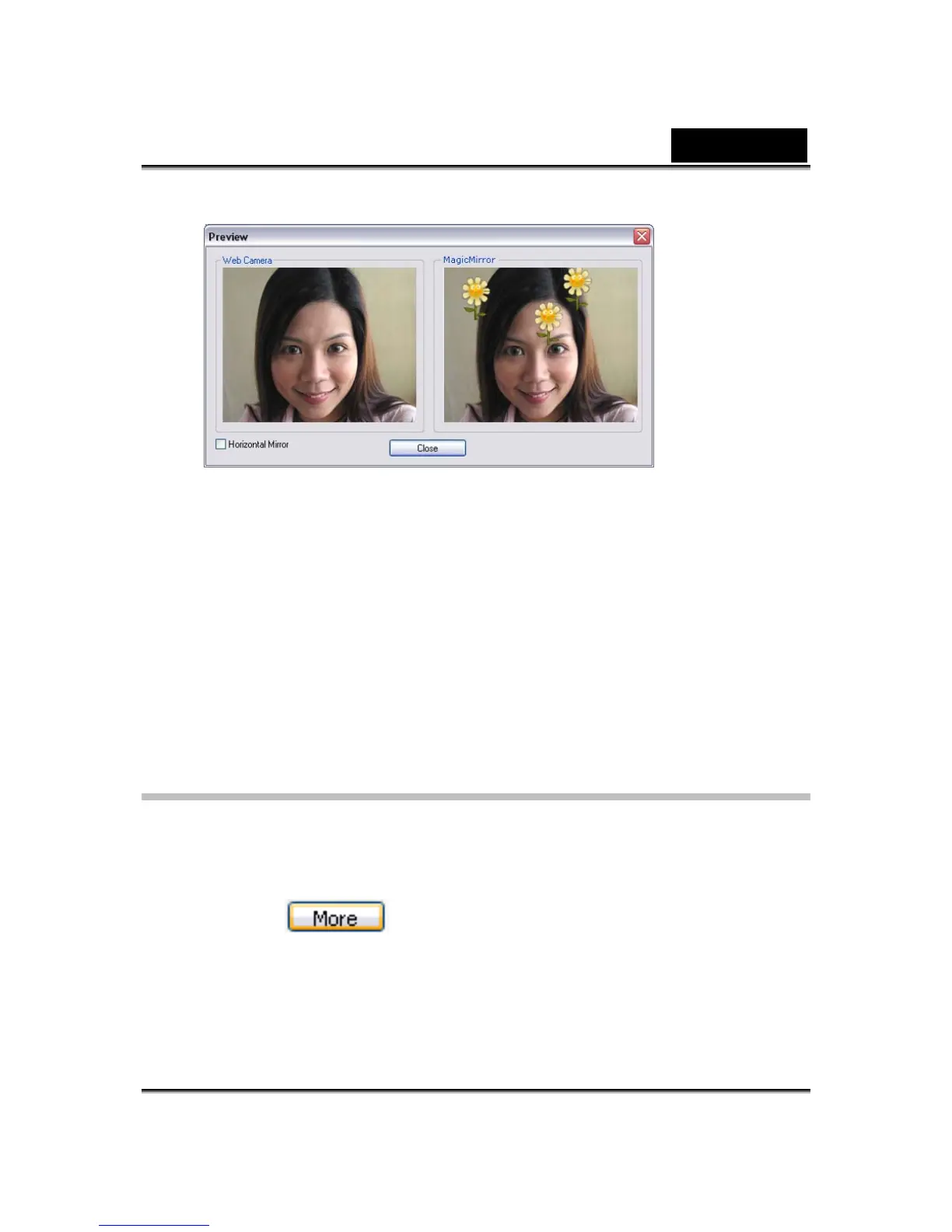
• The left pane, Web Camera, shows the original look of your face.
• The right pane shows the face with the expression applied.
• The MagicMirror pane is able to show Expression and Comic effect
simultaneously.
• Check the Horizontal Mirror to flip the images in the two panes
horizontally. You can then interact with Cam Suite much more like a
mirror.
Getting More Expressions
MagicMirror enables you to adjust the amount of the Expression templates.
Besides, you can also add, remove or purchase expressions to modify the
contents in the Expression Favorite library.
• Please Click to get more expressions.















 To Next Page