English
-64-
•
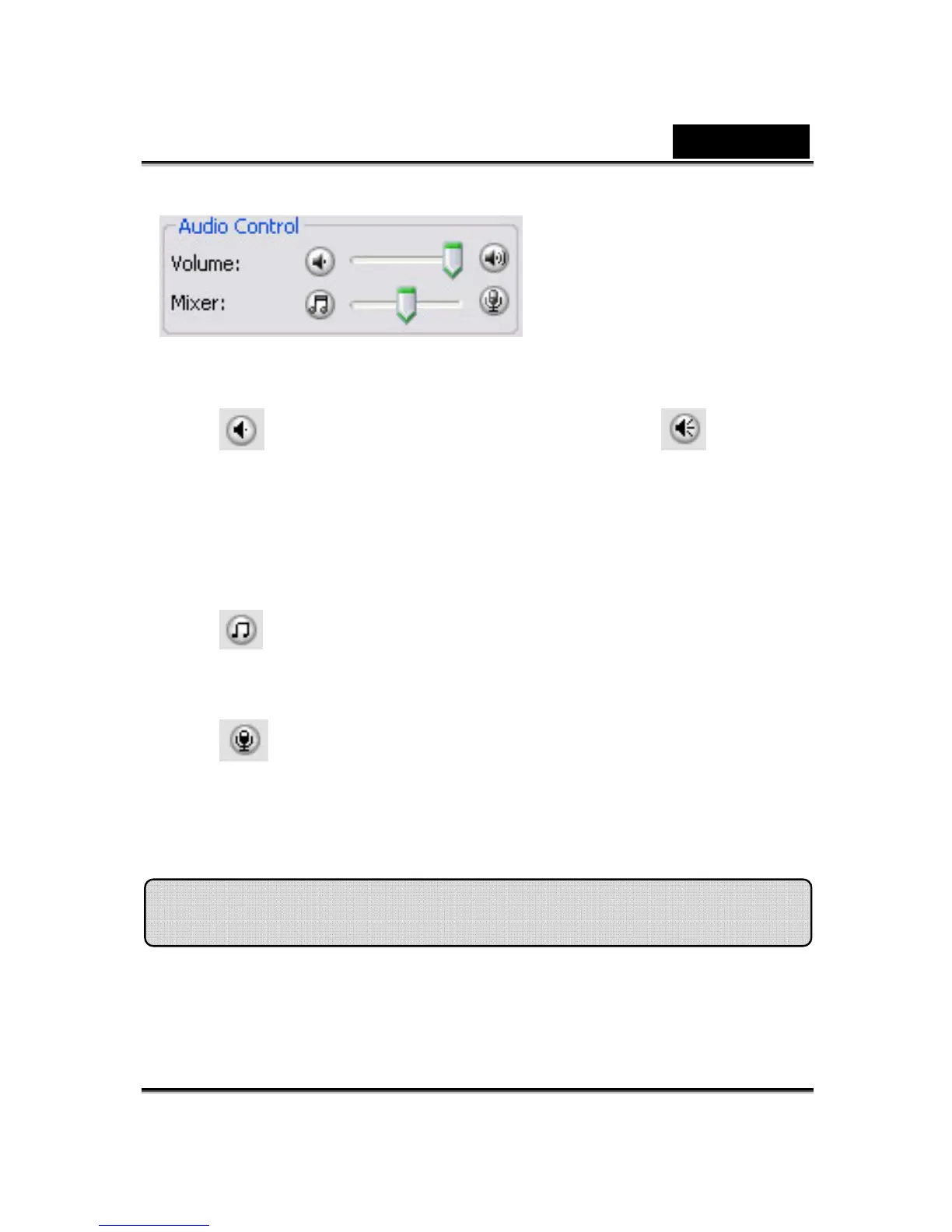
The Volume slider bar allows you to control the volume while you talk.
• Click to turn all the audio volume down; and click to turn the
audio volume up.
• The Mixer controls the audio level between music/sound effect and
microphone.
• Click to increase the music/sound effect and decrease the
microphone volume.
• Click to decrease the music/sound effect and increase the
microphone volume.
This section describes items related to facial tracking.
Facial Tracking













 To Next Page