English
-2-
1. Please install the driver first and then connect Look 316 to
the USB port.
2. Installing the Look 316 driver
a. Insert the Look 316 Installation CD into the CD-ROM drive.
b. The Autorun screen will bring up the installation screen. Click on
“Driver” then simply follow the on-screen instructions.
c. Install “DirectX” from the CD.
Notice:
If the Autorun screen doesn’t start, please follow these
steps:
z Click on “Start Menu”.
z Type D:\SETUP.EXE , then click “Enter” key.
(Assume your CD-ROM is in Drive D)
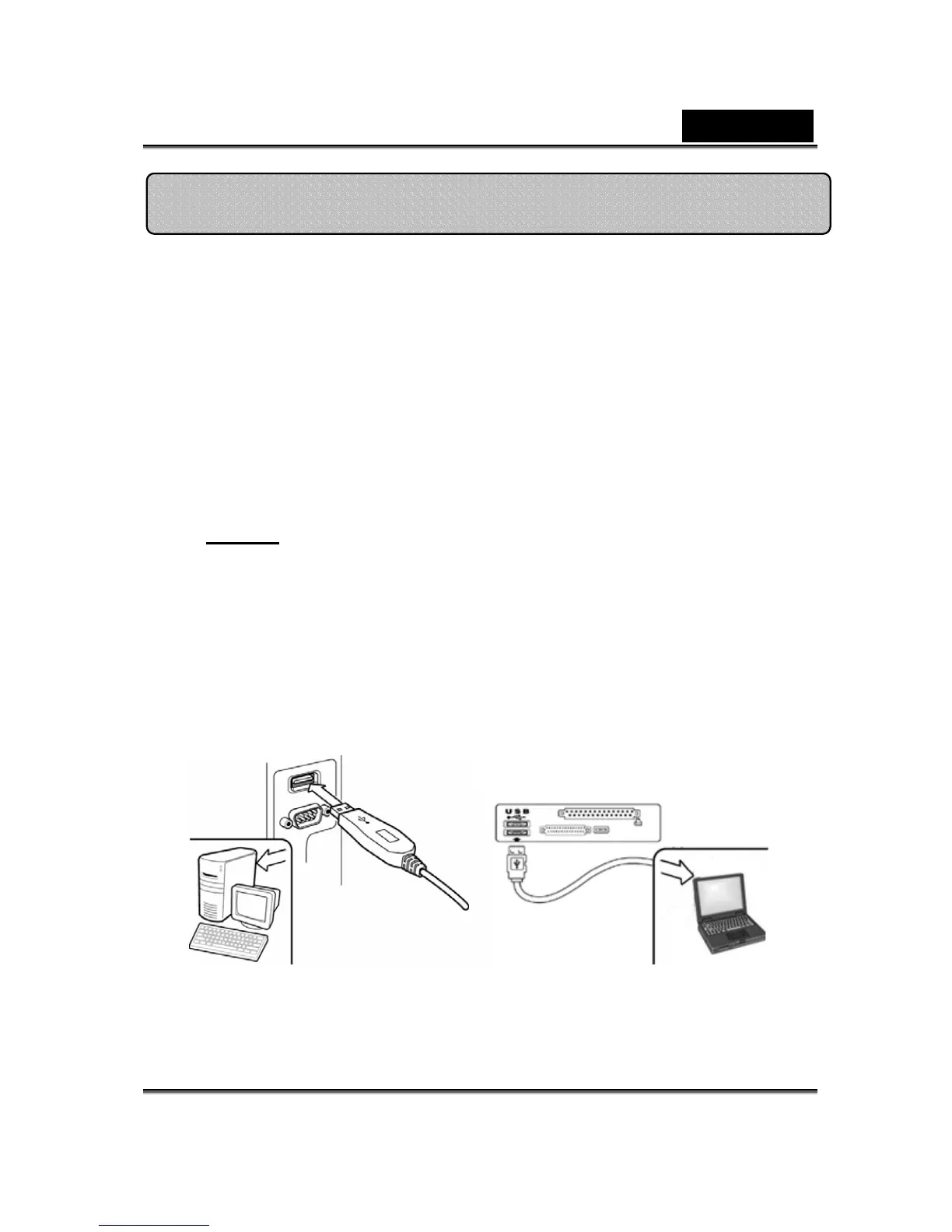
3. Insert the Look 316’s USB cable to your desktop’s or
laptop’s USB port.
4. Complete software and hardware installation. You can
install the software you would like for video
conferencing or chat with your friends.
Installing the Look 316














 To Next Page