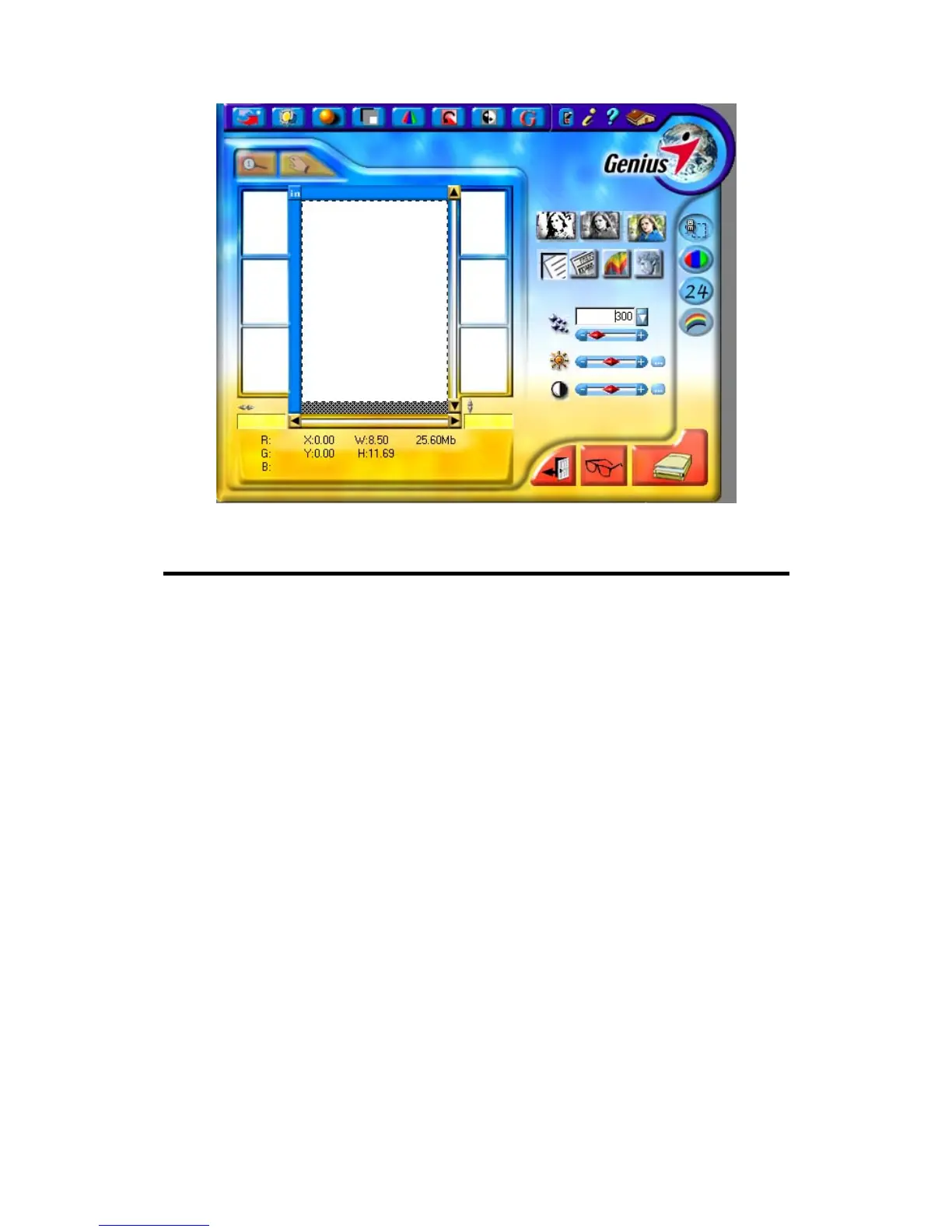
Scanner Utility Program
The Scanner Utility Program can help you get your new scanner up and running.
In addition, it contains a number of other features to help you tailor and control the
scanner.
Most significantly, the Scanner Utility Program checks to make sure that the
scanner software is properly installed and the scanner and computer are
communicating with each other.
Two other features of the Scanner Utility program are the scanning lamp
controls and the scanning position alignment utility. The Scanner Utility allows you
to turn the scanning lamp on and off, and define an idle time for the scanning lamp to
automatically turn itself off. Also, it allows you to define the exact position on the
scanning glass where scanning will begin. The scanner lock was designed to hold the
scanning lamp in place during shipping, but some refinement of the initial scanning
position may still be necessary.
Genius Scanner
12



 To Next Page