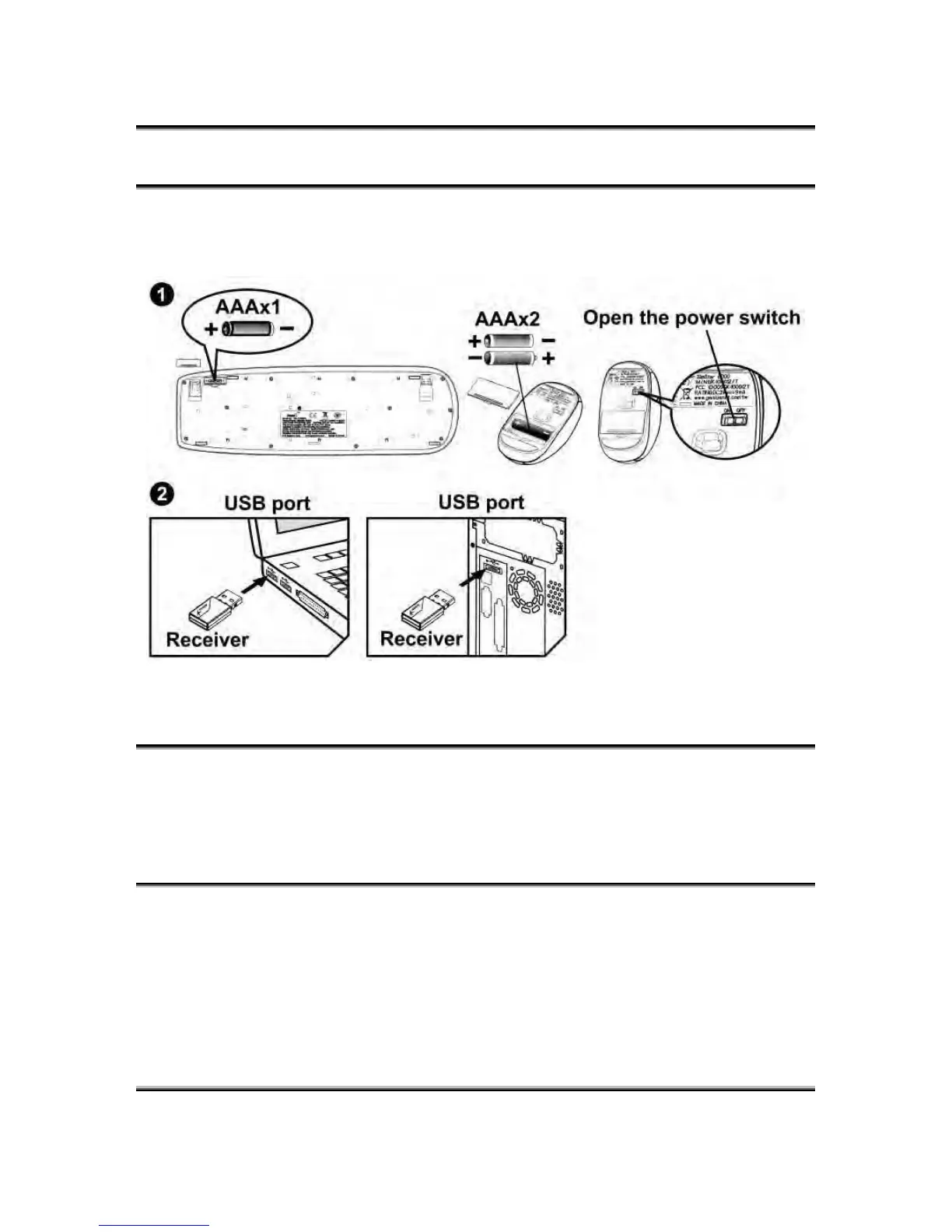
Hardware Installation
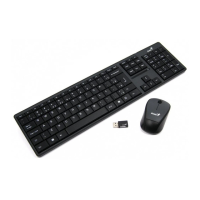
1. Install one AAA battery into the keyboard and two AAA batteries
into the mouse.
2. Plug in your USB receiver to a USB port of your PC.
ID Channel Setting and connection:
After you install the receiver:
Wait about 5-10 seconds and the connection will be executed and
the kit will be ready for use.
Replace Batteries
If the mouse or keyboard does not work properly, then the batteries
have lost their charge, so you need to replace them.
Warning: do not mix or use different types of batteries at the same
time.




 To Next Page