English
-3-
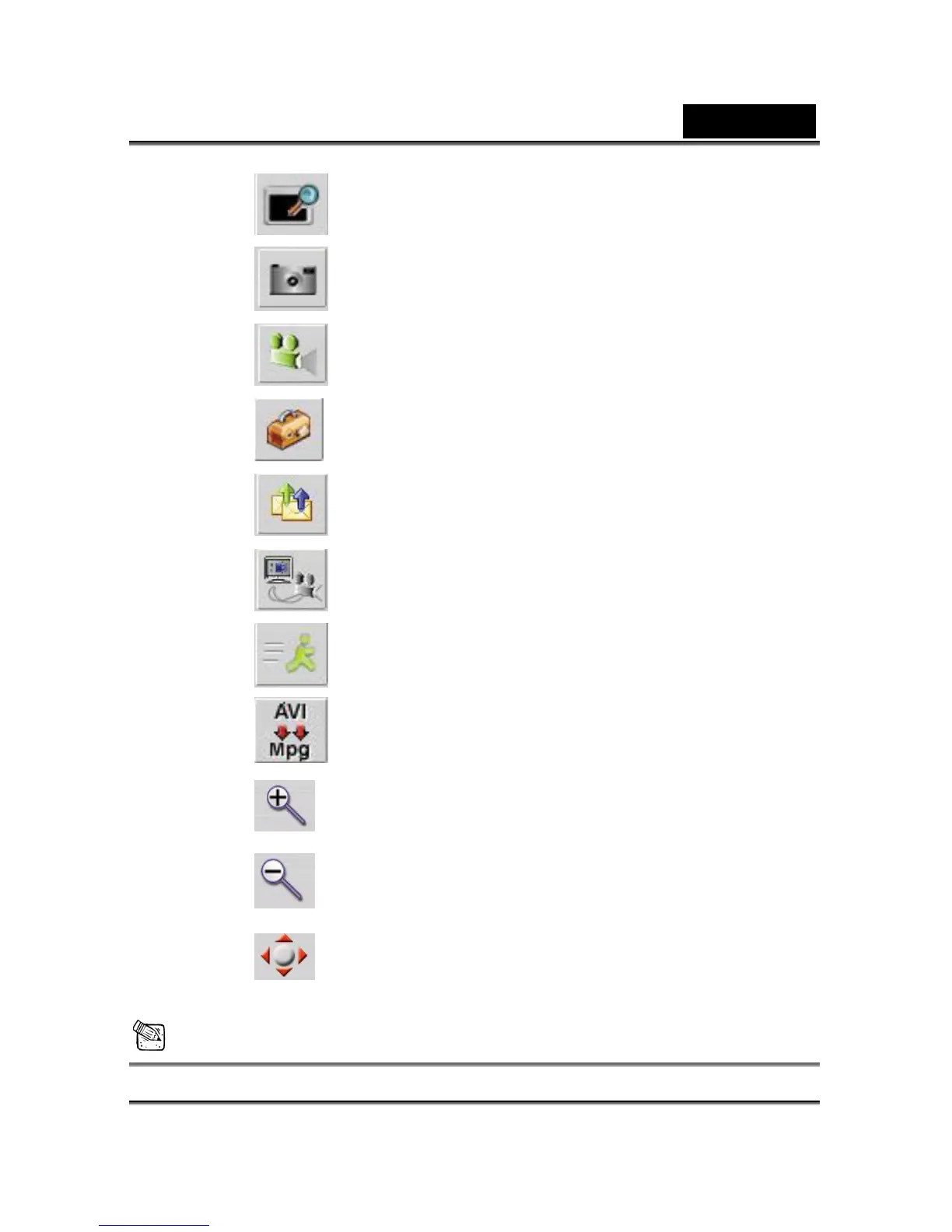
B. Preview the video image.
C. Take a picture.
D. Capture image with full motion video.
E.
Camera Control
F. Send photo through e-mail.
G. Use PC camera as a security monitoring system.
H. Exit the Genius VideoCAM Series UI.
I. Convert AVI files into MPEG-1 format
J.
Zoom In (Web Cam mode Only)
K.
Zoom Out (Web Cam mode Only)
L.
You can adjust the image to the position you
would like to have by clicking Left, Right, Up,
or Down. (Web Cam mode Only)
NOTE














 To Next Page