English
-4-
Make sure to install the USB driver before connecting the device otherwise
unable to install properly. If you encounter problems, uninstall the driver and
software then follow the proper installation.
Should you need the device under high luminance environment, please follow
the steps as below:
Camera Control Æ Control Æ Exposure
Should you need the device to activate the animation function, please follow
the steps as below:
Capture image with full motion video Æ
Click the
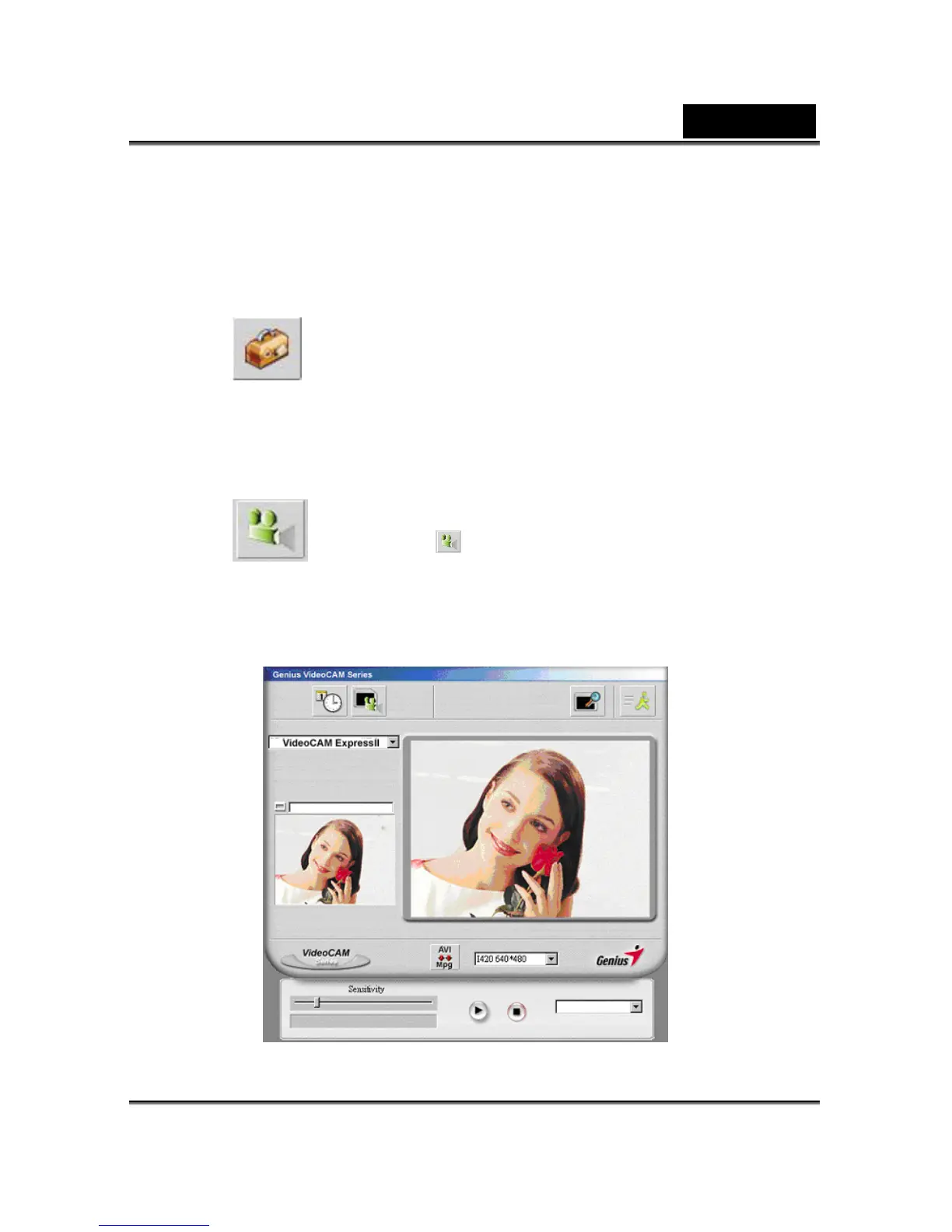
6. Function description for the security monitoring system icon.














 To Next Page