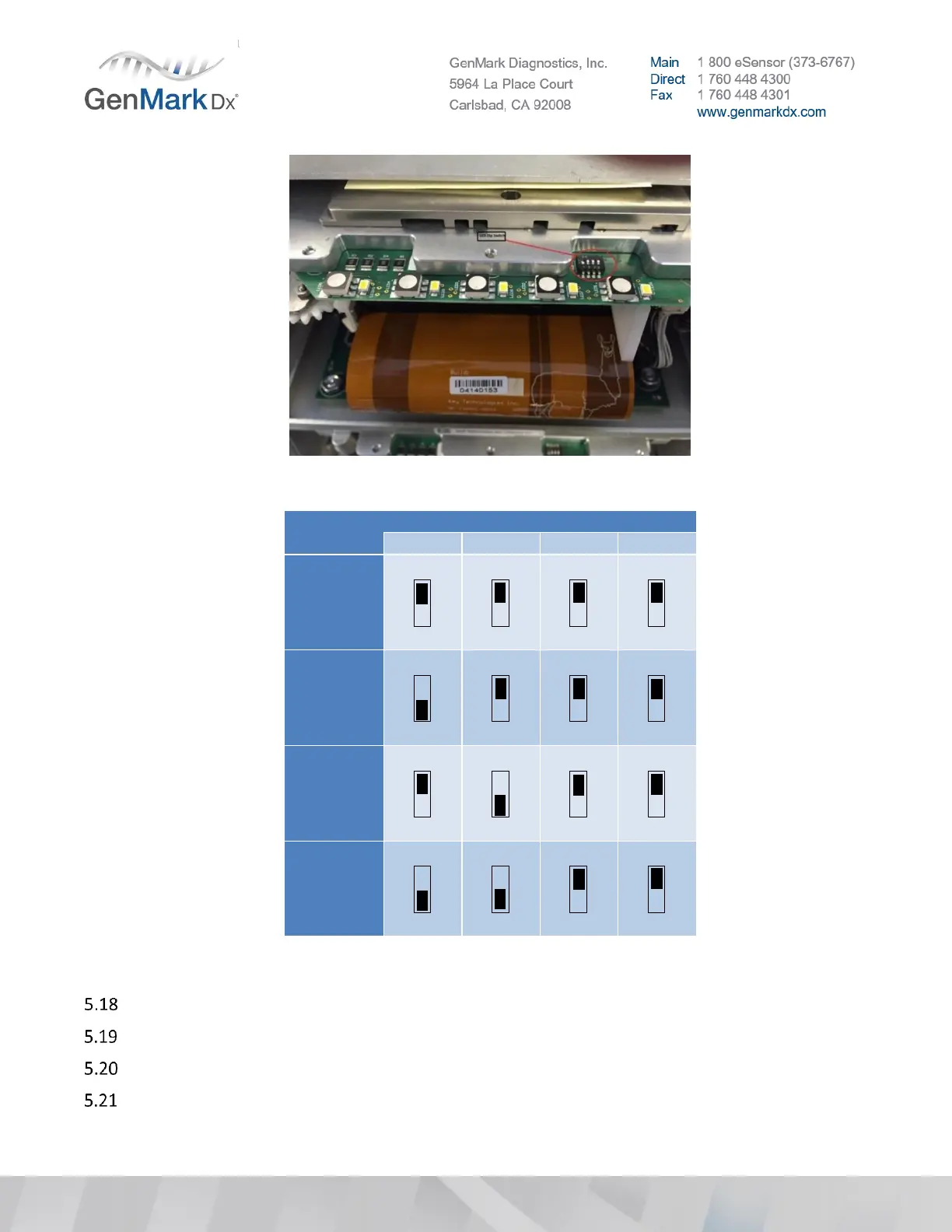
Figure 23 Bay Dip Switch Location
Figure 24 Bay Dip Switch Settings
Plug in the main power cord to the Base and flip the rear power switch to the ON/up/”I” position.
Power up the system by turning on the rear power switch and pressing the Base front power button.
Verify the system will power on.
Confirm each Bay is fully powered and connected to the system by checking the rear LEDs, which
should be lit (pink in beta bays and brighter in production bays). See Figure 25 below.



 To Next Page