• Enter RSSENAB 1 Enable RSS-14 (GS1 Databar)
• Enter RSLENAB 1 Enable RSS-Limited (GS1 Databar Limited)
• Enter RSEENAB 1 Enable RSS-expanded (GS1 Databar expanded)
• Enter C39ENAB 1 Enable code 39
• Enter CBRENAB 1 Enable codabar
• Enter I25ENAB 1 Enable I25
• Enter I25MINL ? (Confirm the reply is 0)
• Enter I25MINL 5 (Set Interleave 2of5 minimum barcode length to 5 characters)
• Enter I25MINL ? (Confirm the setting took at 5)
• Enter C93ENAB 1 Enable code 93
• Enter PDFENAB 1 Enable PDF
• Enter UPAENAB 1 Enable UPC-A
• Enter DMXENAB 1 Enable Data Matrix
• Enter MAXENAB 1 Enable Maxi code
• Enter QRMENAB 1 Enable micro QR
• Enter MPDENAB 1 Enable Micro PDF
• Enter AZTENAB 1 Enable Aztec
• Enter GS1ENAB 1 Enable GS1-128 symbology
Complete Programming of Scanner
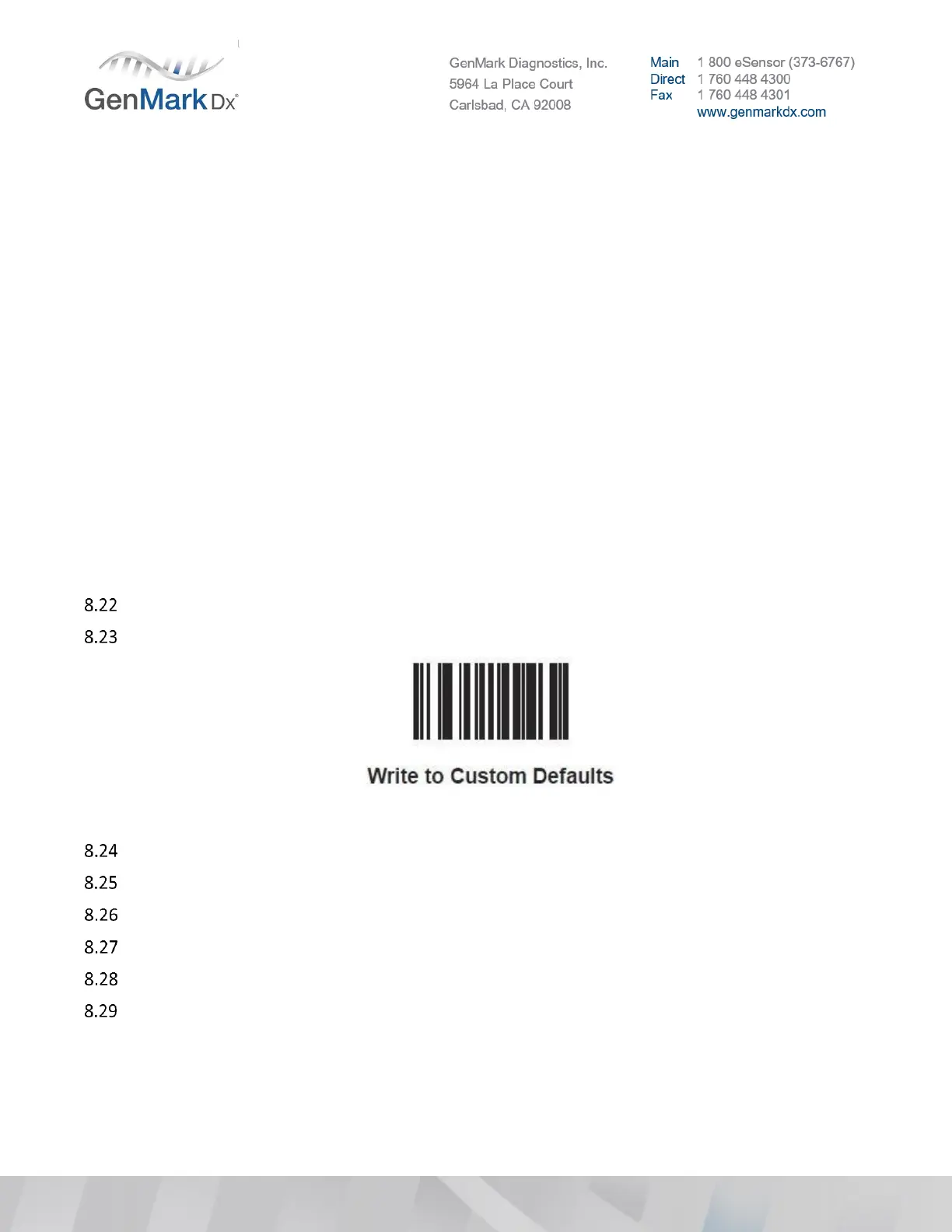
Scan the following barcode to write settings to default:
Note: Scanner will make a beeping noise to confirm it read the barcode
Press Close
Close Image View SW
Remove the scanner USB cord from the ePlex instrument and wait 5 seconds
Insert scanner USB cord scanner back into the ePlex instrument
Open ePlex ISW
Login to ePlex software using the Internal POD.
Note: If there are any issues after disabling barcode symbologies the following command will reenable
all symbologies Enter: ALLENAB 1 (Enable all barcode symbologies)
Note: If the system is not displaying the proper date, the POD will not work. Set the accurate date and
time in Windows


 To Next Page
 Loading...
