Insert the USB drive that has the latest version of the eHelp Operator Manual
Click the Install Software button in the software section of the screen and navigate to the software
upgrade package on the USB drive.
Click the Select button to perform the eHelp installation.
After installation, the ISW will automatically restart.
OQ Qualification/Library Installation
Load the latest OQ qualification/library package on a USB drive.
Go to Settings > General.
Select Install Software button and browse to the OQ package on the USB drive.
Click Select to install OQ library.
Assay Definition File Installation
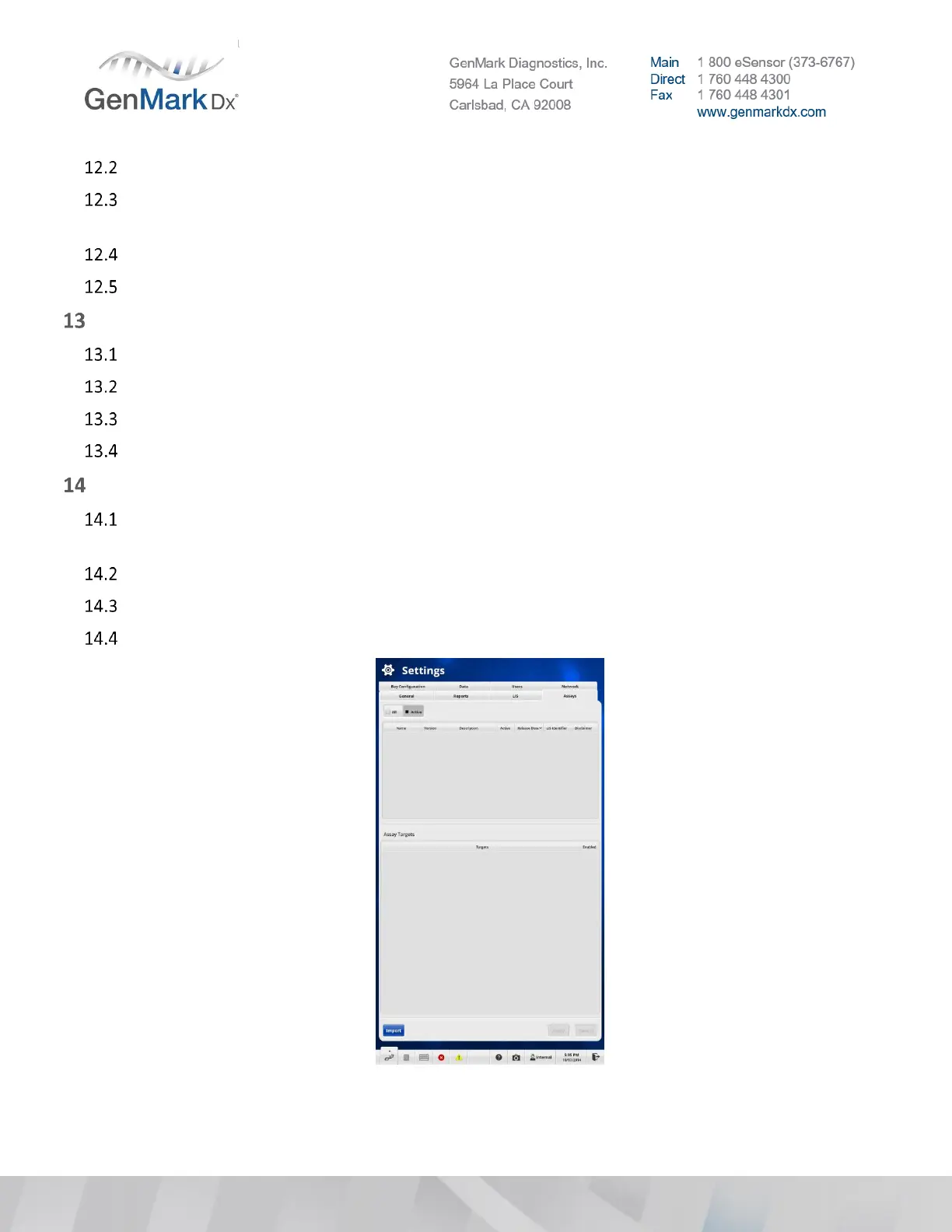
Plug in the USB drive to the ePlex instrument and navigate to Settings > Assays. See Figure 38 below
for reference.
Select the Import button and navigate to the ADF file to be installed.
Select the correct ADF file and click OK to import the assay.
Repeat steps for each additional assay.
Figure 38 ADF Import Screen



 To Next Page