16
STARTING UP THE GENERATOR
INVERTER PARALLEL KIT OPERATION
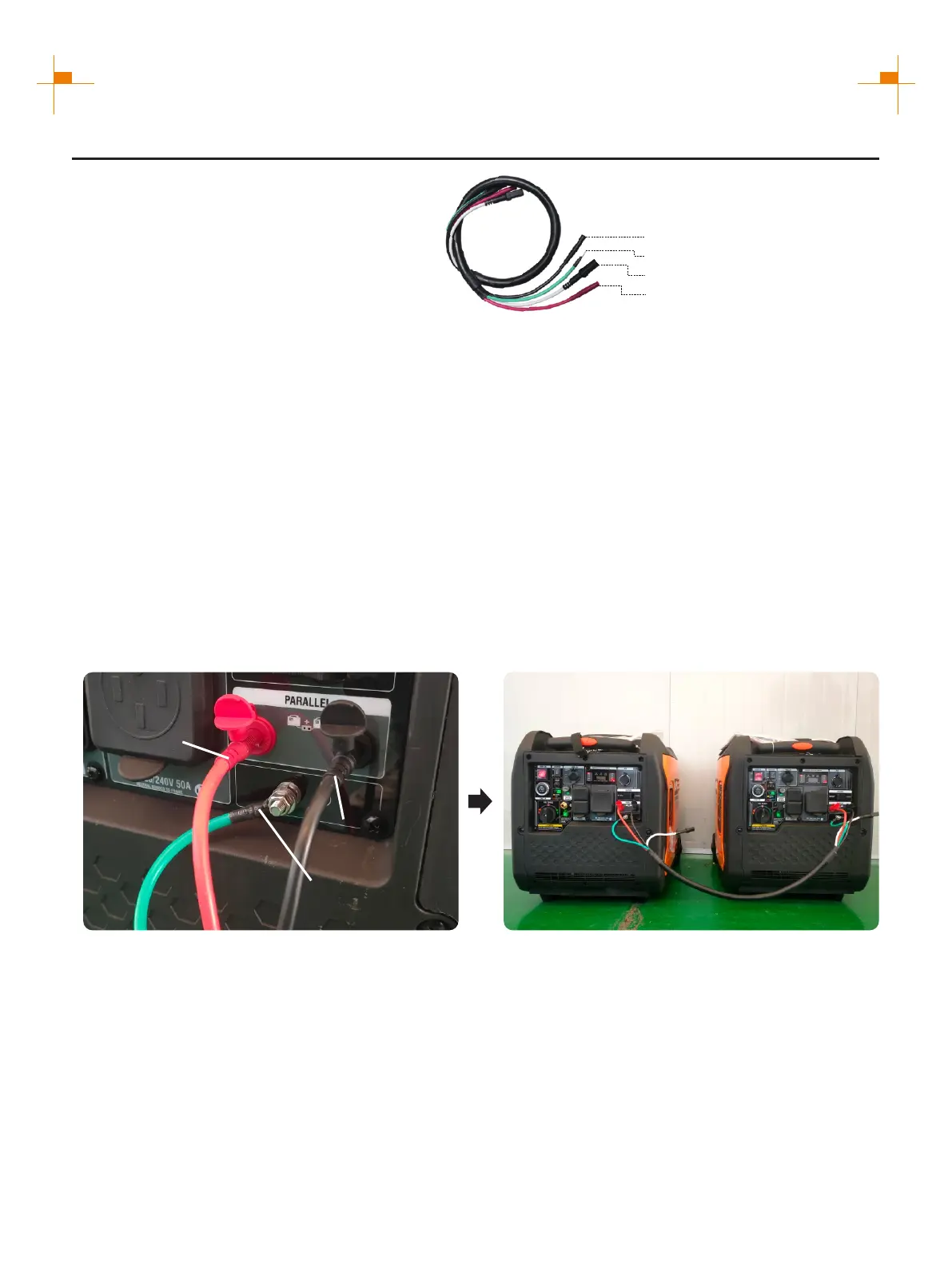
50A Parallel Kits
Round Connector (Black)
Ground Connectors (Ring)
Square Connector (Black)
Connectors(Red)
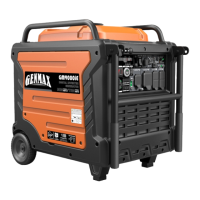
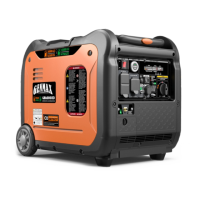
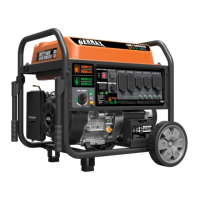
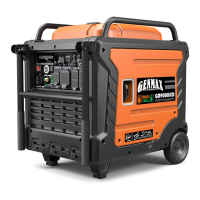
This parallel kit is intended to be used
only with GENMAX inverter generators.
Please read safety information below
before proceeding.
1. Make sure both engine switches are in the off position, and confirm the Low idle switches on
both generators are turned off.
2. Attach the ground terminal (green wire) from each end of the parallel cable to the
corresponding ground terminal on each generator. Connect and tighten the ground wire.
3. Connect the black and red parallel cable leads to the black parallel ports on each
corresponding inverters control panel. connect two red leads or two black leads DO NOT
into the same inverter. Pay attention: The white wire leave as it is, this just needed when
parallel two GM9000i.
4. Start each generator and confirm that the green output indicator is illuminated on both.
Tip: When two generators are connected in parallel, the voltage selector switch must be placed
at 120/240V before starting.
5. If using Low idle mode, turn both Low idle switches on after the generators are started.
6. To shut down, turn off both generators and then remove the parallel cords.
Connectors (Red)
Round Connector
(Black)
Ground Connectors
(Ring)
NOTICE: If high electrical loads are connected, turn the Low idle switch to the OFF position to
reduce voltage changes. With the generators running, make sure both green output indicator
lights are ON. If not ON, turn the generators off, restart the generators, and make sure both
green output lights are ON.


 To Next Page