ATM Quick Reference Guide
QR-Guide 5 © Genmega 2024
Software Boot Menu
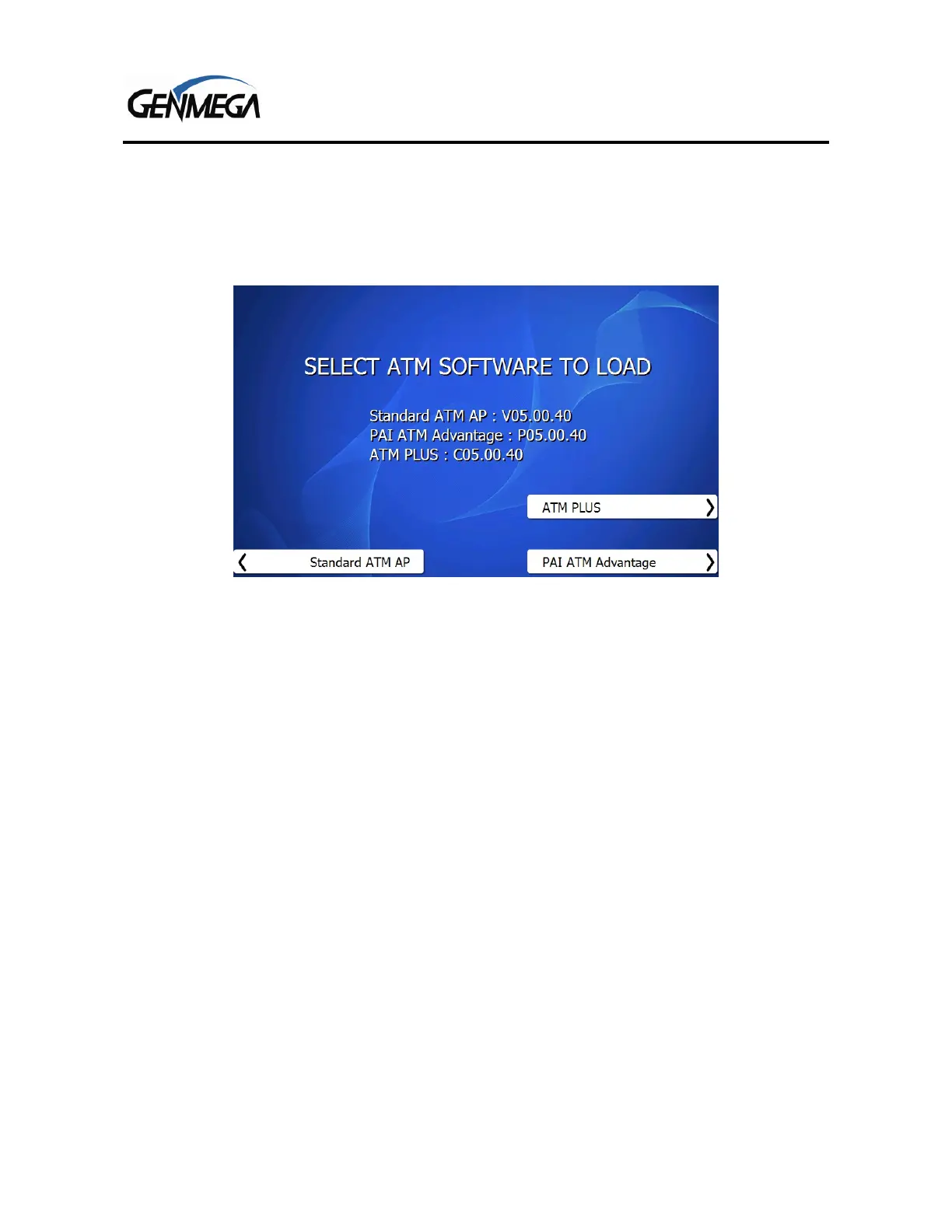
When you first power on the Genmega ATM – you may see a ‘Boot Menu’ which offers a selection of
software options. Below is an example of that screen. If you do not see this screen, it may be that
your machine was pre-programmed and the software type has already been selected for you.
The software you choose should match the processor or ‘Host’ that will be handling your transactions.
If you’re unsure who this is or which option you should select, please check with your Genmega
Distributor for guidance.
The different versions of software may offer functions or options that are specific to that host. The
Standard ATM AP should be used for hosts other than PAI or Cardtronics (ATM Plus).



 To Next Page