ATM Quick Reference Guide
QR-Guide 7 © Genmega 2024
Accessing the Operator Menu
The Operator Menu is the part of the ATM Software where the setup and programming parameters are
stored and is also used for adding cash, running reports and doing diagnostics.
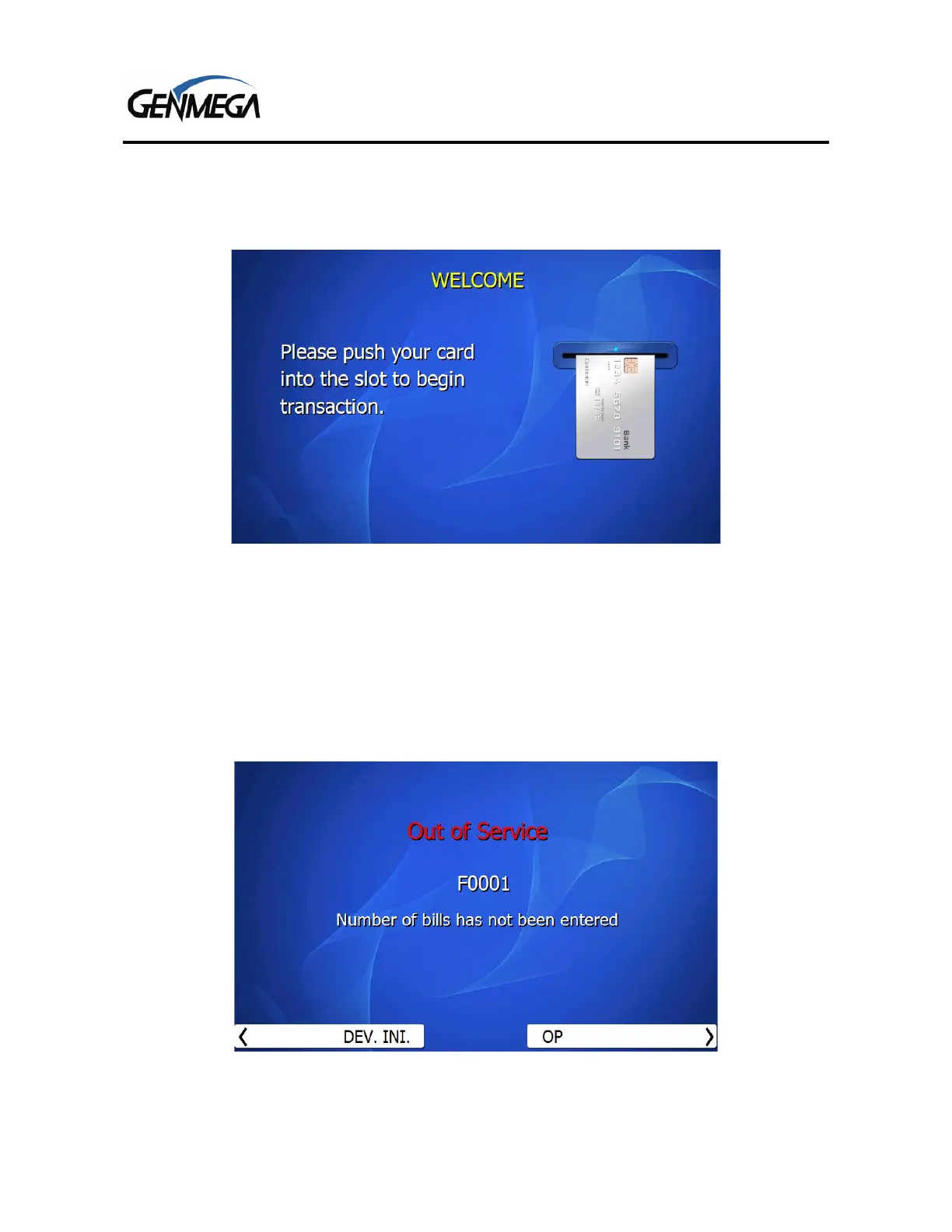
To access the Operator Menu from the ‘Welcome’ screen as shown above, press these keys on the
ATM keypad in order:
[ENTER] - [CLEAR] – [CANCEL] – [1] – [2] – [3].
Do not hold down the keys at the same time, just press each key in order and then release
If the ATM is already out of service for some reason, then to enter the menu, just press the ‘OP’ button
next to the bottom right corner of the screen.
If the ATM is Out of Service – but you do not see the [DEV INI] and [OP] buttons, then use the Enter –
Clear – Cancel – 1 – 2 – 3 step per above to get the ‘Enter Password’ screen.



 To Next Page