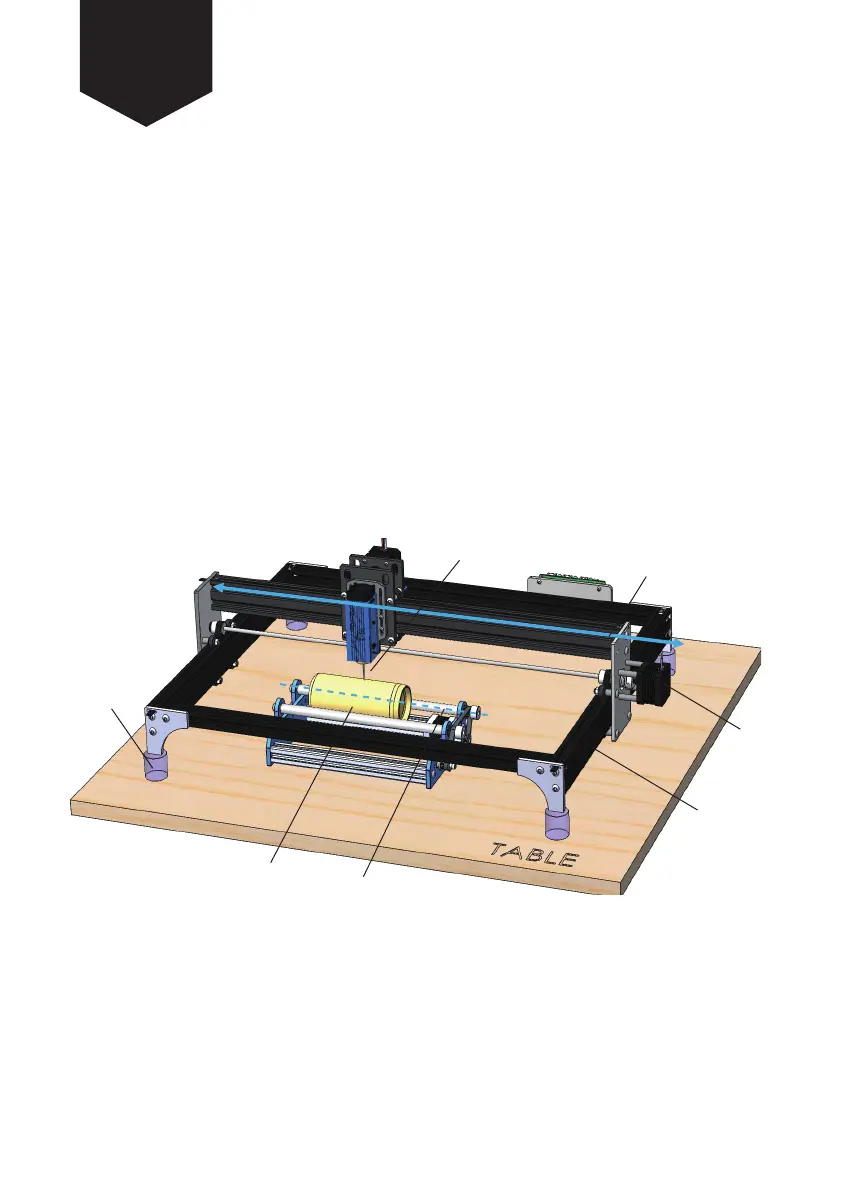
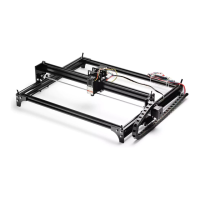
1. Place the LE5040 laser engraving machine on a flat surface, unplug the Y-axis stepper
motor cable and use 4 equal height supporting brackets to raise each corner of the machine.
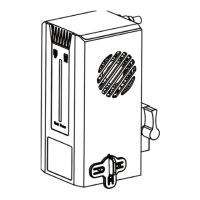
2. Place the rotary axis in an appropriate position on the table, and connect the machine
Y axis motor cable to the rotary axis stepper motor.
3. Adjust the position of the rotary axis so that your cylinder is paralell to the X-axis and that
the laser beam axis is perpendicular to the axis of the engraving object.
Note: The 4 equal height supporting brackets are not included. The height of the
supporting brackets is determined by the diameter and length of the engraving object.
STEP 2 Installation Guide using the LE5040
Laser Beam
X axis direction
Supporting
Brackets
Cylinder Engraving Object
Axis of Rotation
Y axis
Stepper
Motor
LE5040
Laser
Machine


 To Next Page