Function Introduction
Resources Download and Software Setup
Method 1: Driver, software, sample picture and instructions can be found in the USB flash drive that comes
with the machine. ( Note: We recommend you to copy all files to your computer when you use it for the first time
in case the flash drive get lost.)
Method 2: Download it from SainSmart Resources Center. All files included
in the flash drive can also be downloaded from Sainsmart Resources Center:
https://docs.sainsmart.com/z3 or the following QR Code.
Scan QR code to download software and user manual. → →
08
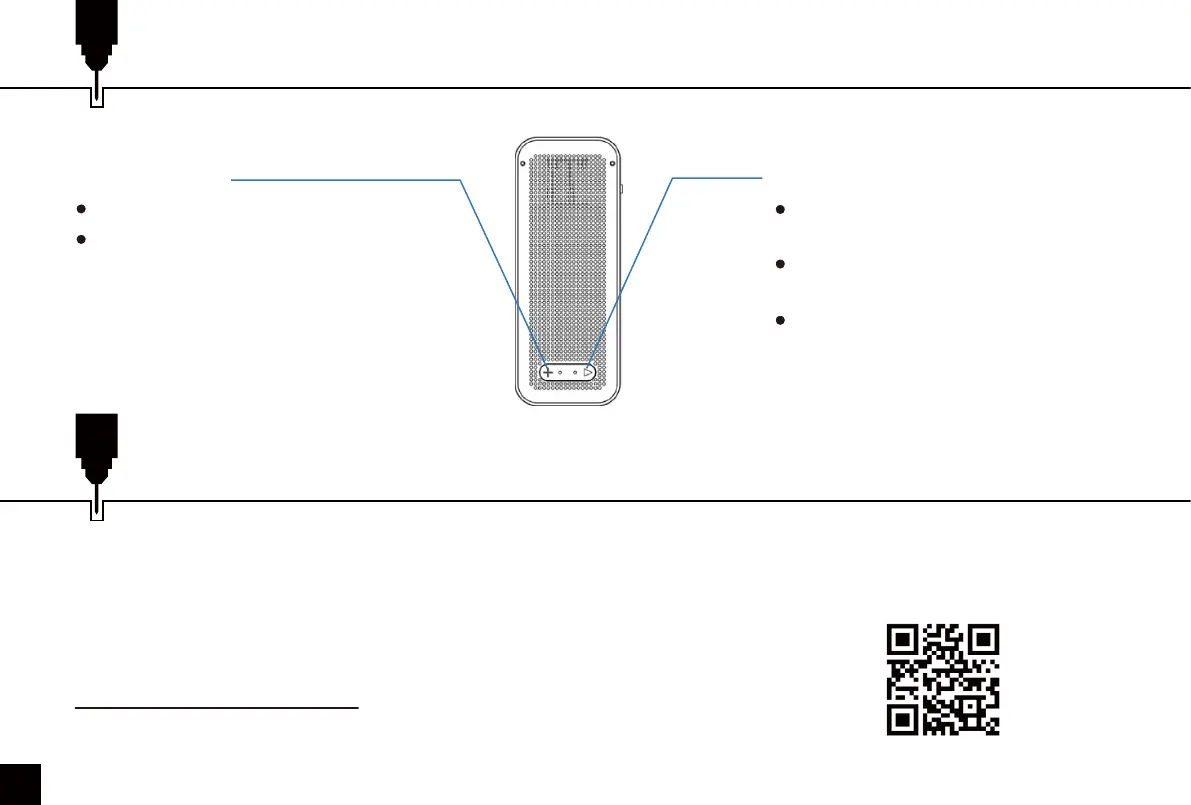
Short press once to preview,
press again to stop.
Long press once to engrave, long
press again to cancel engraving.
During engraving, short press to
stop engraving, short press again
to continue.
Power Button:
Short press to automatic focus.
Long press once to go up, long
press again to get down.
Focus Button:



 To Next Page