Need help?
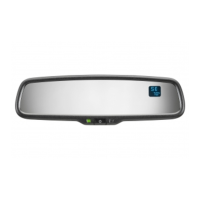
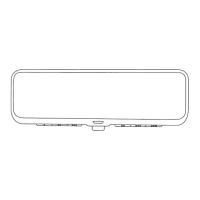
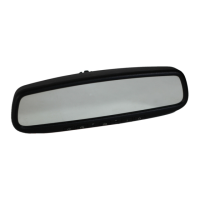
Do you have a question about the Gentex ADVGEN40A4 and is the answer not in the manual?
Hold the button for ~9 seconds until a number appears to change the zone setting.
Press the button repeatedly to select the desired compass zone number.
Drive to an open, level area away from large metallic objects or structures.
Hold button for ~12 seconds until 'CAL' or 'C' appears to enter calibration mode.
Drive slowly in up to 3 circles until 'CAL'/'C' disappears and heading displays.
 General
| Model | ADVGEN40A4 |
|---|---|
| Category | Automobile Accessories |
| Technology | Electrochromic |
| Brand | Gentex |
| Type | Auto-Dimming Rearview Mirror |
| Application | Passenger Vehicles |
| Power Source | Vehicle's electrical system |
| Mounting Type | Windshield |
| Functionality | Reduces glare from headlights behind the vehicle |
| Features | Automatically dims to reduce glare from headlights |
| Compatibility | Universal |

 To Next Page