7/22
4/ Time mode ( TIME )
- Using the time mode
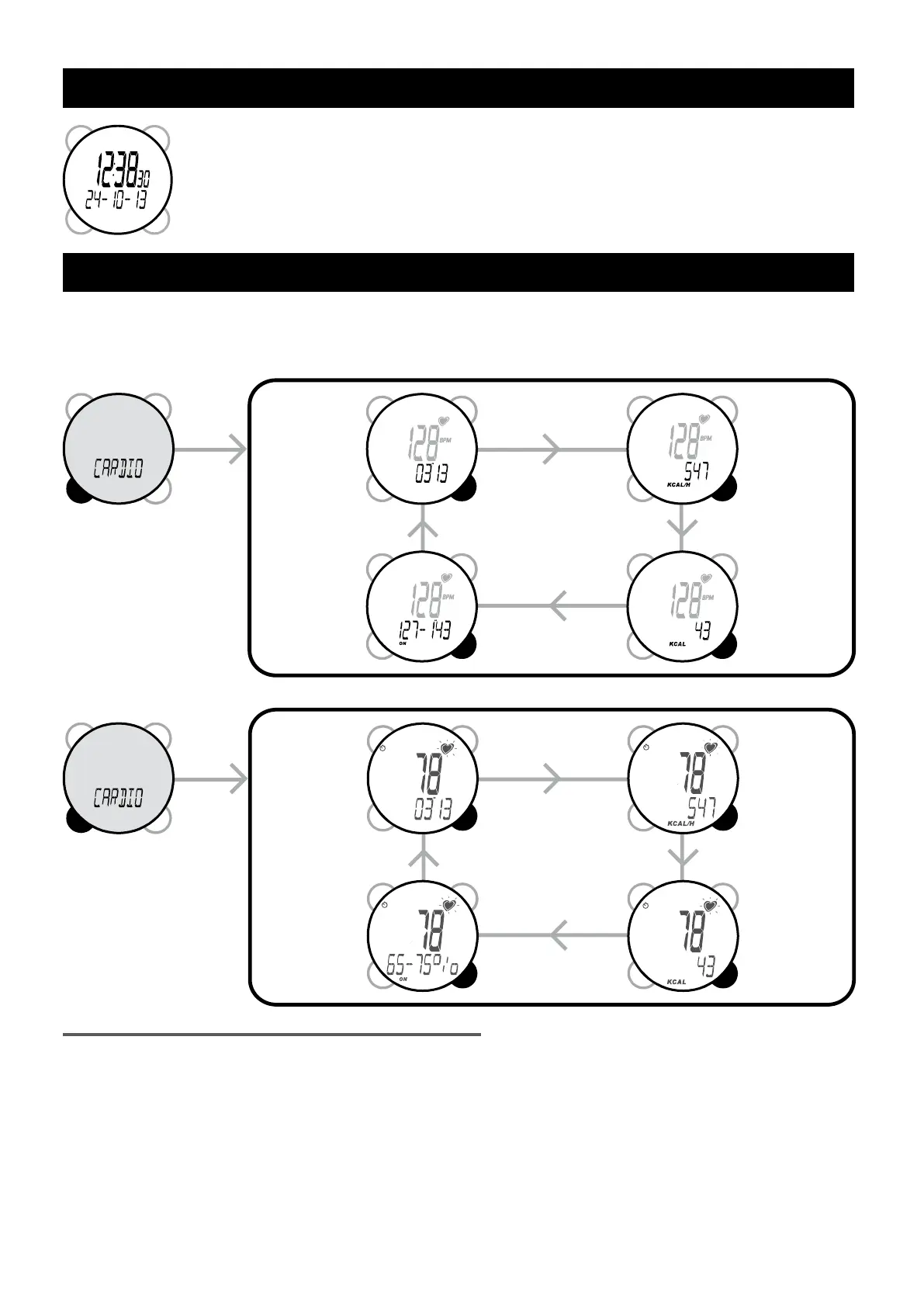
The time is displayed on the main line and the date is displayed on the second line in the
format selected in SETTINGS mode.
- Setting the time, date and 12/24 hour mode.
Changes are made in the SETTINGS mode.
5 / Cardio mode (CARDIO)
"You can display your heart rate data either in beats per minute (bpm) or percentages of maximum rate (%)
You can choose which in the SETTINGS mode (HR Unit)"
Exercise
stopwatch
Instant calorie
expenditure
Target zones in
percentage of
maximum heart
rate (%)
Total calorie
expenditure
Instant
calories
burned
Total
calorie
expenditure
Training
stopwatch
Target zone in
beats per minute
(bpm)
5.1/ Using cardio mode and main information
The main information in this mode is the heart rate.
IMPORTANT:
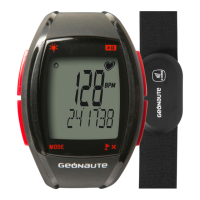
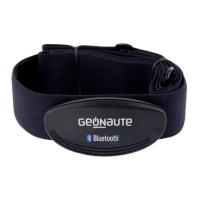
• To get heart rate information, you must be wearing the strap. (Don’t forget to moisten it rst.) If it is correctly
tted it will automatically emit the heart rate signal. For more information on tting the strap, see diagram
1 or paragraph 3.
Display of readings as beats per minute (bpm)
Display readings as a percentage of maximum heart rate (%)


 To Next Page