89
English
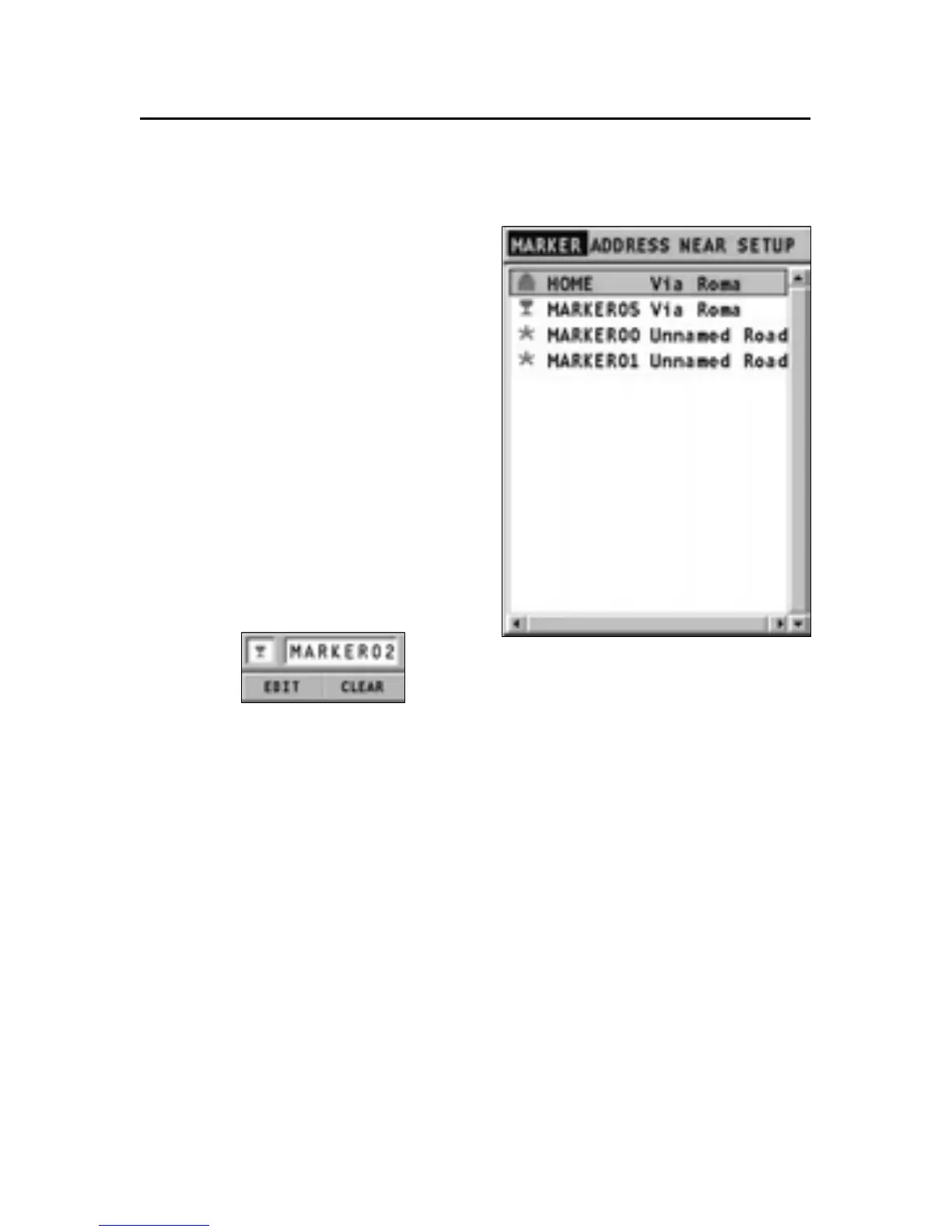
Deleting or editing a marker on the screen
Position the joystick on the
marker to delete or edit, press
ENTER, select the EDIT or CLEAR
option from the menu, then
press ENTER again.
To edit the icon symbol and de-
scription, use the joystick. Press
ENTER to confirm, or PAGE/EXIT to
cancel the operation.
In case of deletion, another win-
dow will ask to confirm the op-
eration. Press ENTER to confirm,
or PAGE/EXIT to cancel.



 To Next Page