90
English
ADDRESSES
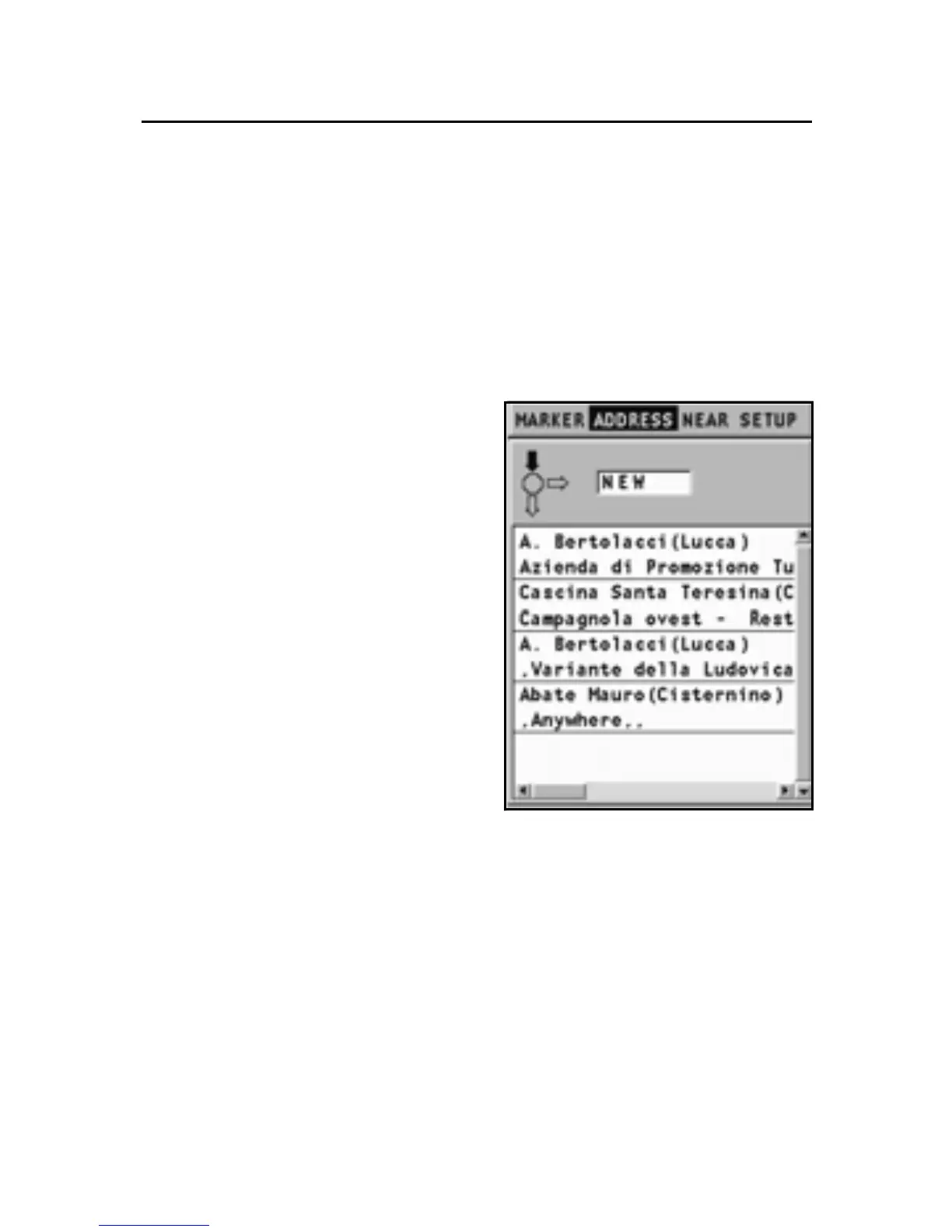
To display the list of the addresses available, press the GOTO
key. A window will show the addresses already saved or will
give the opportunity of entering a new address. Once con-
firmed, the addresses will be displayed in the list.
Entering a new address (without virtual keyboard)
To enter a new address with-
out using the virtual keyboard,
select SETUP, KEYBOARD and
then disable the keyboard by se-
lecting the OFF option.
By the joystick, enable the “New”
option. Always by means of the
joystick, enter only the first let-
ter or more letters forming the
name of the place desired.
A list will show the places de-
fined by the letters entered. By
using the joystick, search for the
place desired and confirm the
selection by ENTER.
In the same way described
above, in the window that follows, it will be possible to enter
the name of a road and, if known, the number, or identify a
point of interest by category or by name.
The CATEGORY proposes symbols and provides their mean-
ings. The symbol selected opens the list of the places avail-
able and allows their selection. By defining a point of interest
as NAME, the list of the possible choices will be shown. To
confirm a selection, press ENTER.
After entering the address, define it as Destination, Marker or
Starting point in the dialog box. Confirm the operation by EN-
TER.
Addresses



 To Next Page