91
English
NOTE: If a Starting point and Destination are
present, the route will be calculated and high-
lighted in green on the map.
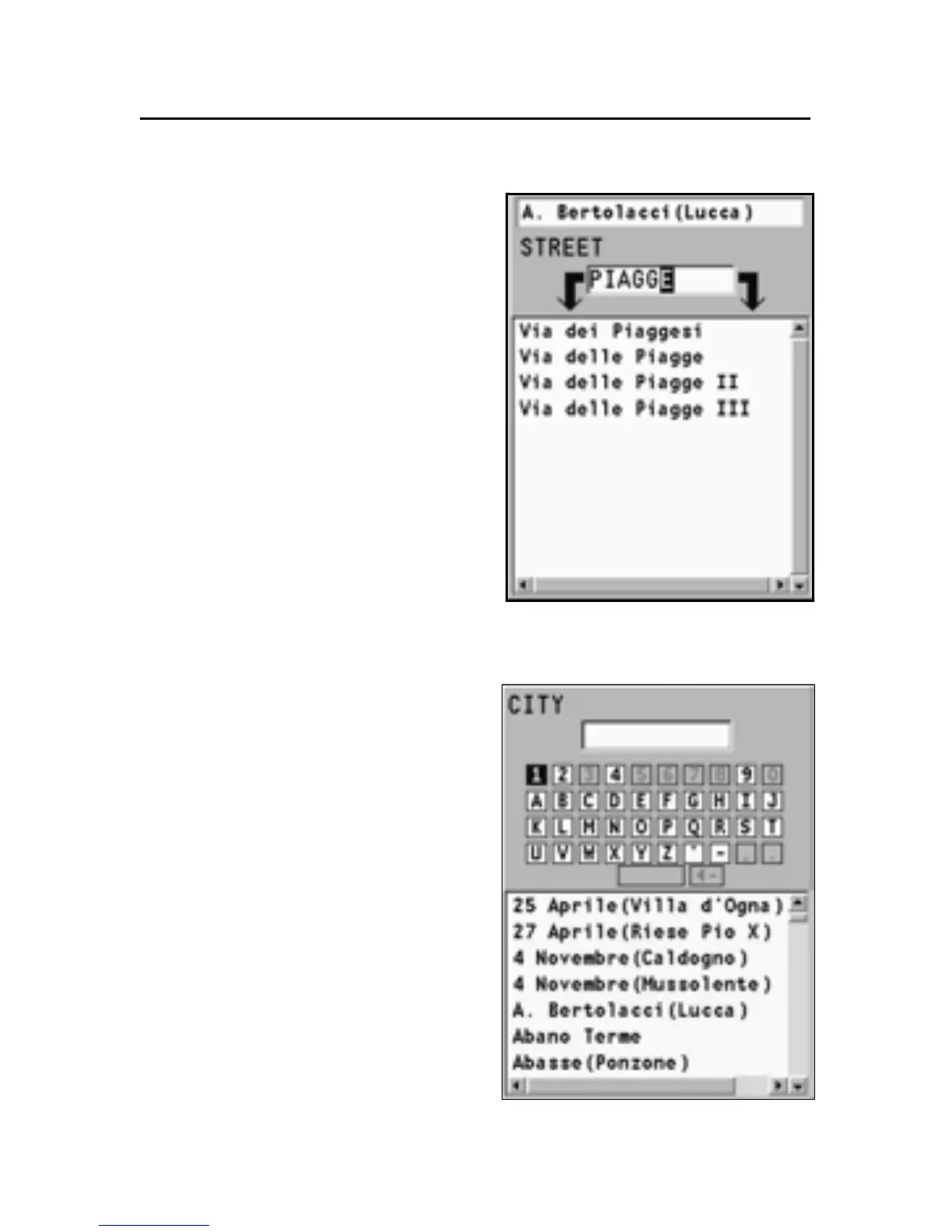
Entering a new address (with virtual key-
board)
To enter a new address by
means of the virtual keyboard,
select SETUP, KEYBOARD and
then enable the keyboard by se-
lecting ABC or QWERTY, accord-
ing to the type of keyboard de-
sired.
By the joystick, enable the “New”
option. Always by means of the
joystick, select the letters on the
keyboard, one by one, and confirm by ENTER.
A list will show the places defined by the letters entered.
By using the joystick, search for
the place desired and confirm
the selection by ENTER.
In the same way described
above, in the window that fol-
lows, it will be possible to enter
the name of a road and, if known,
the number, or identify a point
of interest by category or by
name.
The CATEGORY proposes sym-
bols and provides their mean-
ings. The symbol selected opens
the list of the places available
and allows their selection. By
defining a point of interest as



 To Next Page