92
English
NAME, the list of the possible choices will be shown. To con-
firm a selection, press ENTER.
After entering the address, define it as Destination, Marker or
Starting point in the dialog box. Confirm the operation by EN-
TER.
NOTE: If a Starting point and Destination are present, the route will be calculated and
highlighted in green on the map.
Selecting/defining the addresses stored
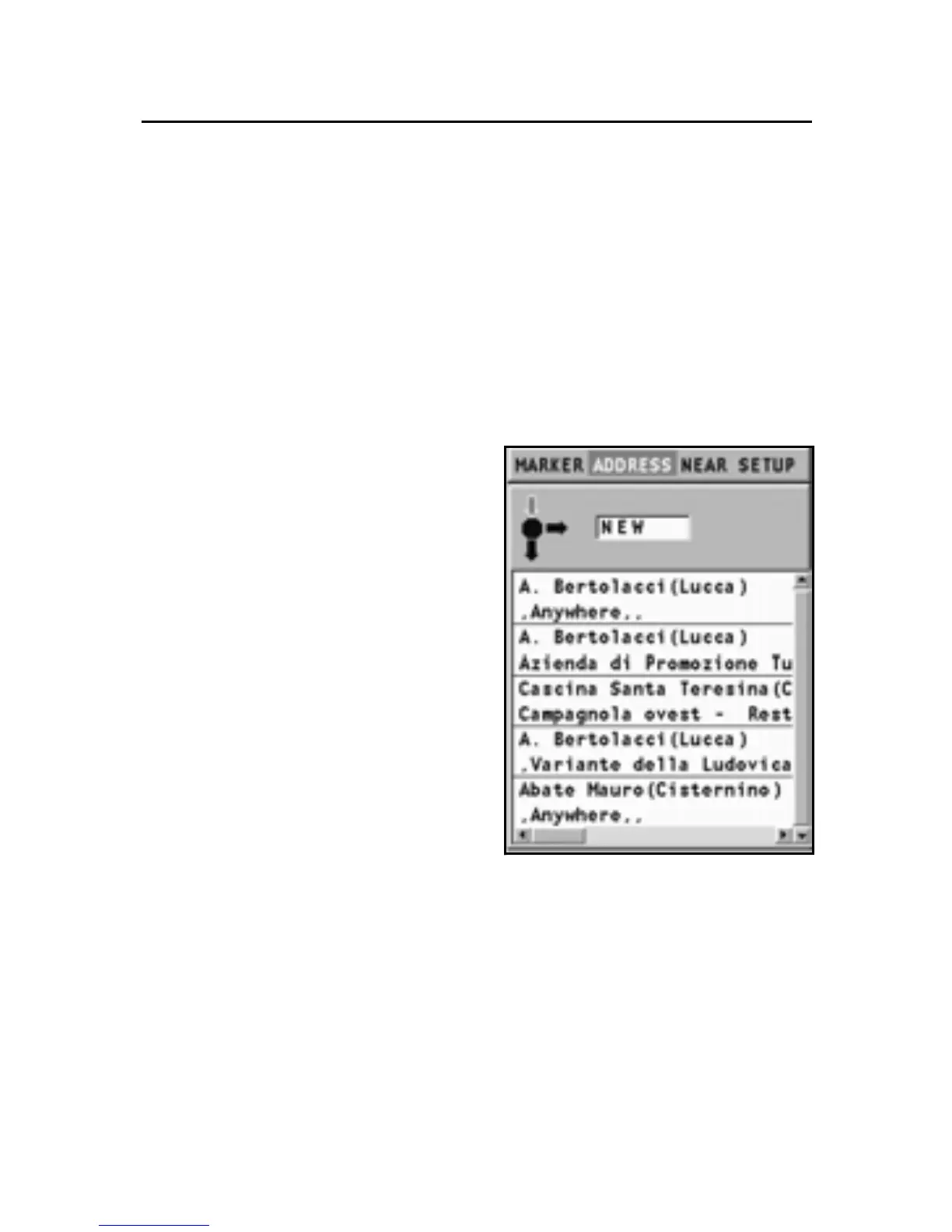
Besides what has been reported
in the previous paragraph, the
address menu shows the list of
the addresses already entered
that can be selected and defined
as Destination, Marker or Start-
ing point.
Move the cursor on the address
desired and confirm the selec-
tion by pressing ENTER.
Deleting an address from the list
By the joystick, select the ad-
dress to delete from the list,
press ENTER, choose DELETE
ADDRESS, then press ENTER
again. To confirm the deletion,
press ENTER.
Addresses



 To Next Page